




Hello everyone!







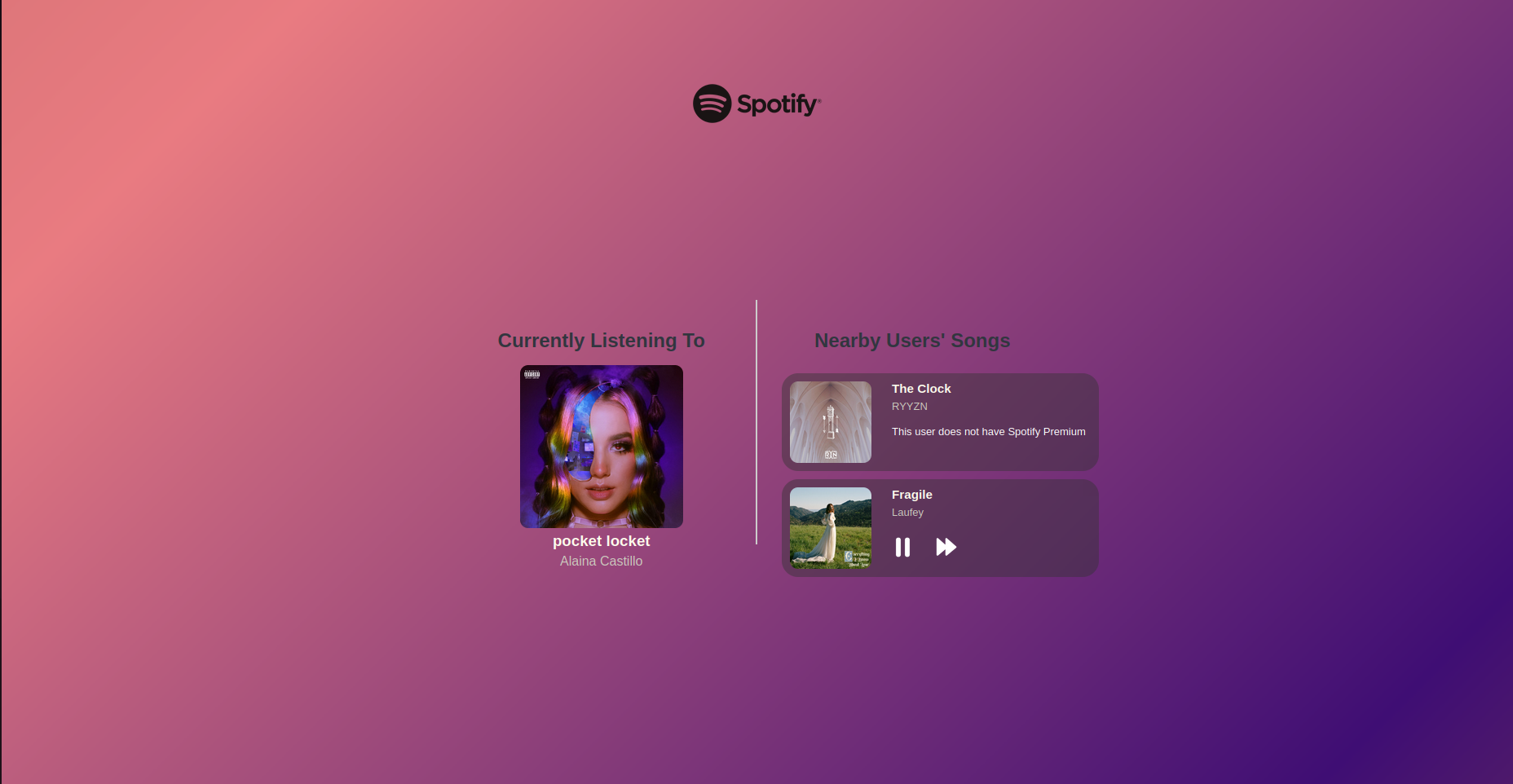
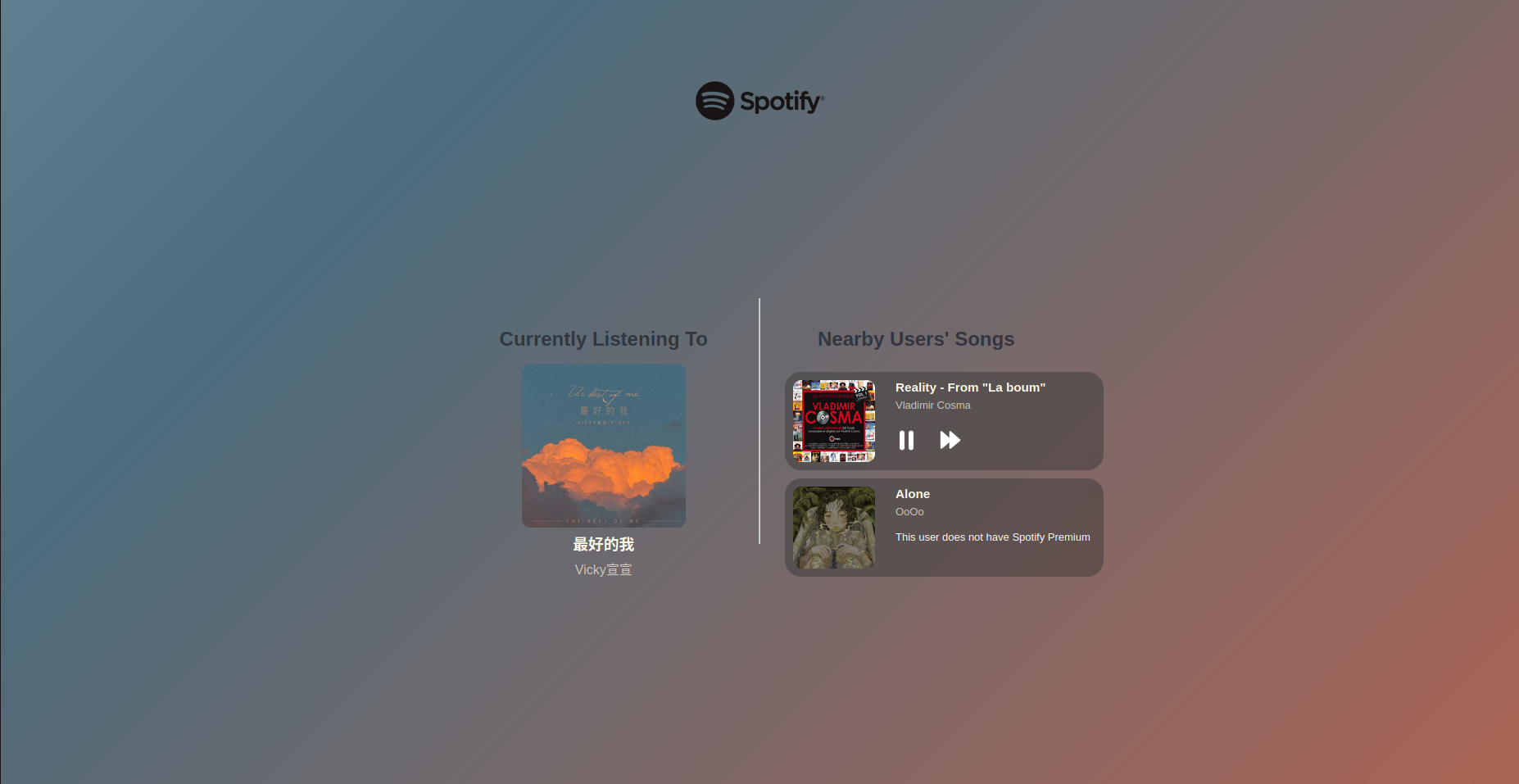
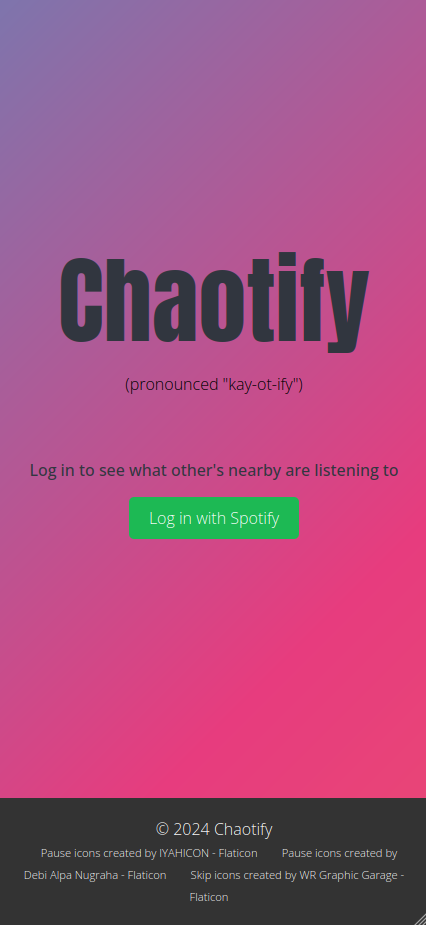
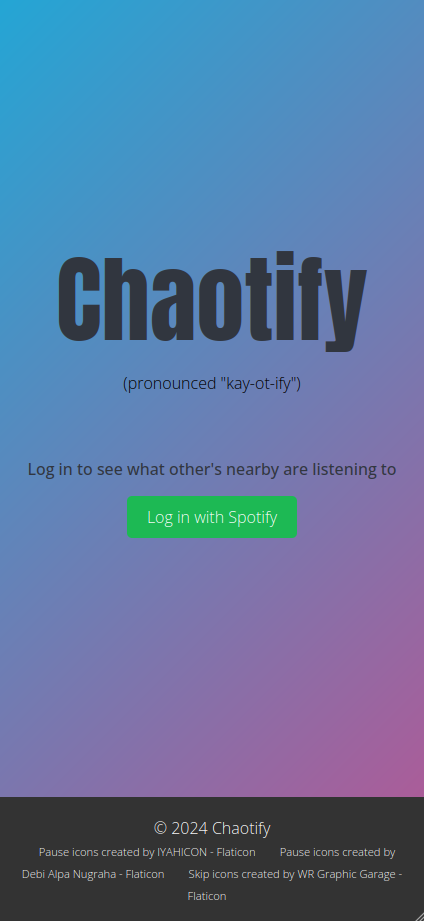
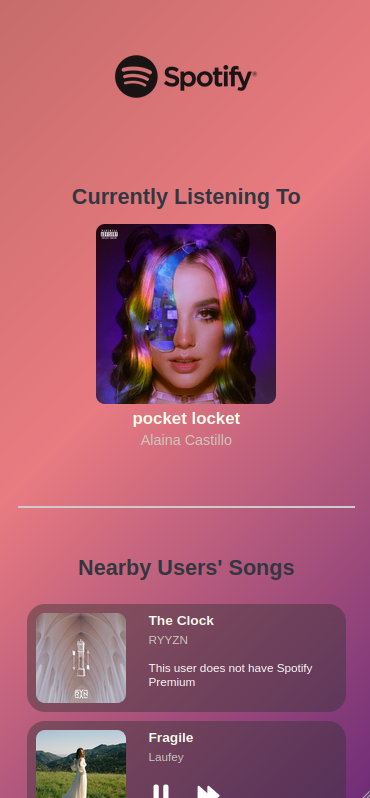
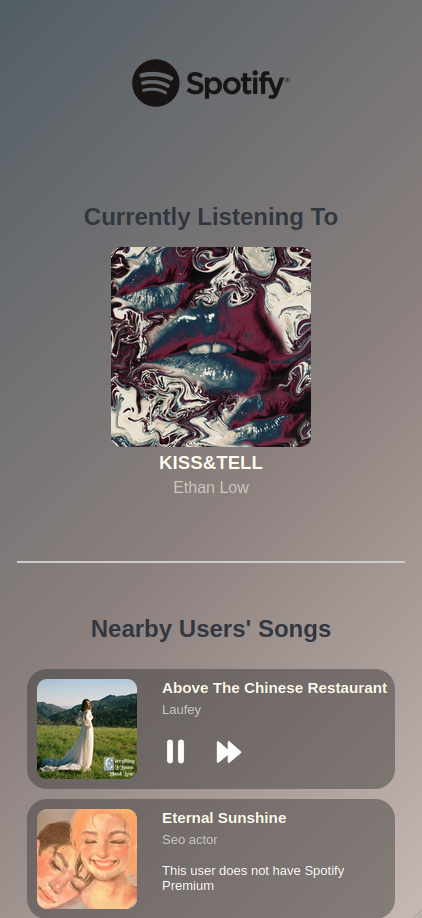
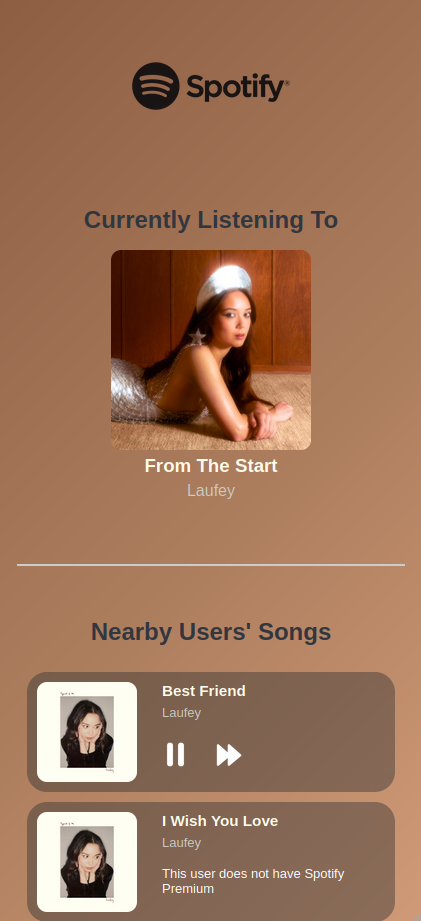
Chaotify is a Spotify app that lets you detect nearby users (who are also using Chaotify) and see what they are listening to. If they are a premium user, you can even skip and pause their songs, hence the name Chaotify—Chaos + Spotify.
Chaotify was my first semi full-stack app using an API. I chose Spotify because I was fascinated by other Spotify apps like Receiptify. I had no idea that music data could be visualized in such creative ways, so I set out to build a Spotify app that stood apart from the rest.
I learned a lot of new concepts, such as working with environment variables, handling error codes, and understanding how a client-server website model functions. This experience has definitely brought me one step closer to building more secure websites and applications.
That being said, there are still many shortcomings in this project. First, the responsiveness of the site needs improvement. On tablet and iPad screens, some elements overflow and don't look great. Secondly, the app is currently in Spotify's development mode, meaning the general public cannot use it. When I applied for an extension request, it was rejected by Spotify because the app didn’t meet their requirements. I learned that approval can take time, and following guidelines thoroughly is essential. Unfortunately, due to time constraints, I wasn’t able to make the necessary changes for re-application, but I may revisit this project in the future.
If I were to expand on this project, I would add compatibility with Apple Music to connect ecosystems and maximize the user base. I’d also introduce more features like reactions and comments, but to monitor these and prevent inappropriate behavior, I might need to create a user base to enable more features, improve interactivity, and ensure the website’s security.

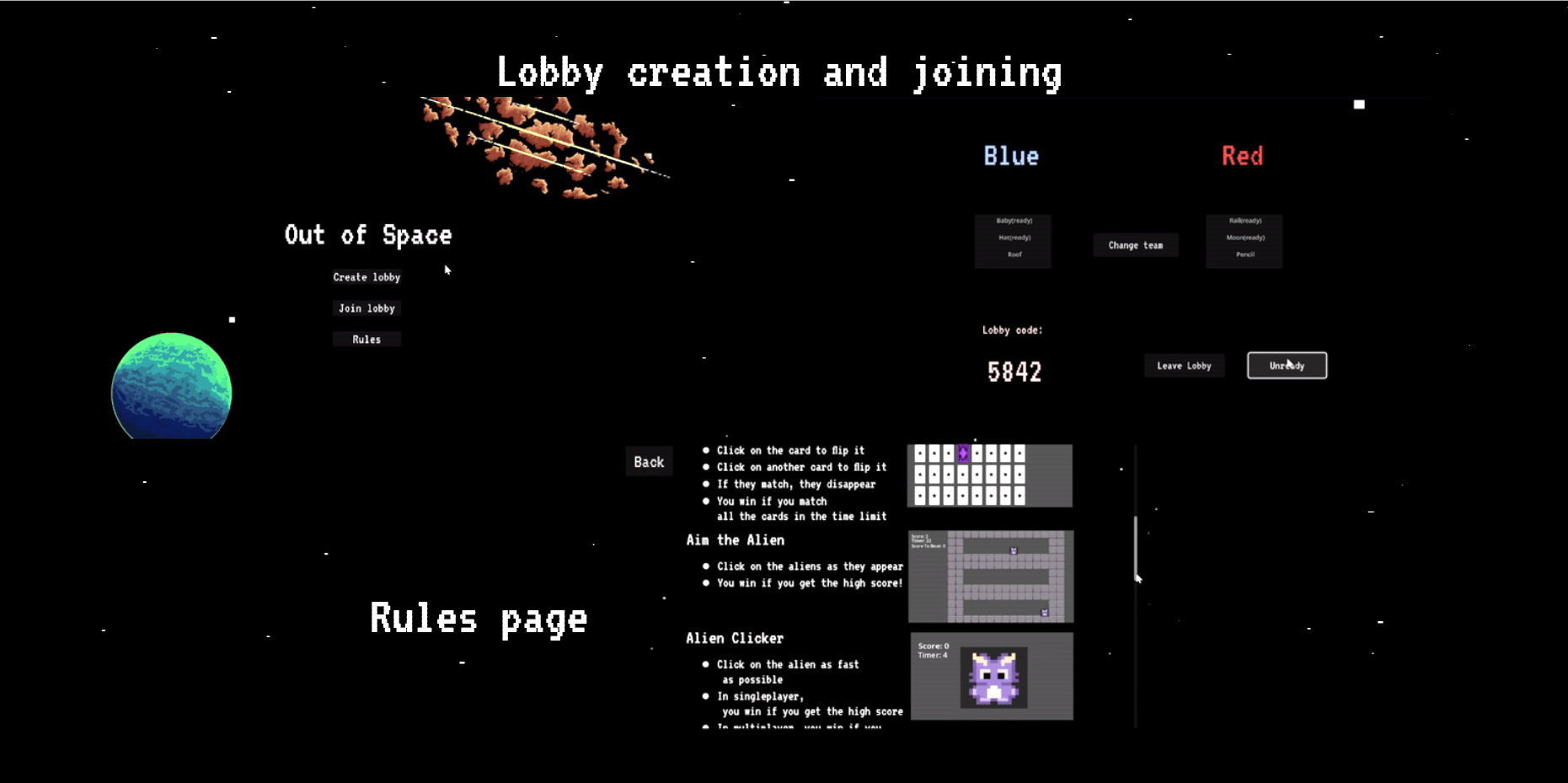
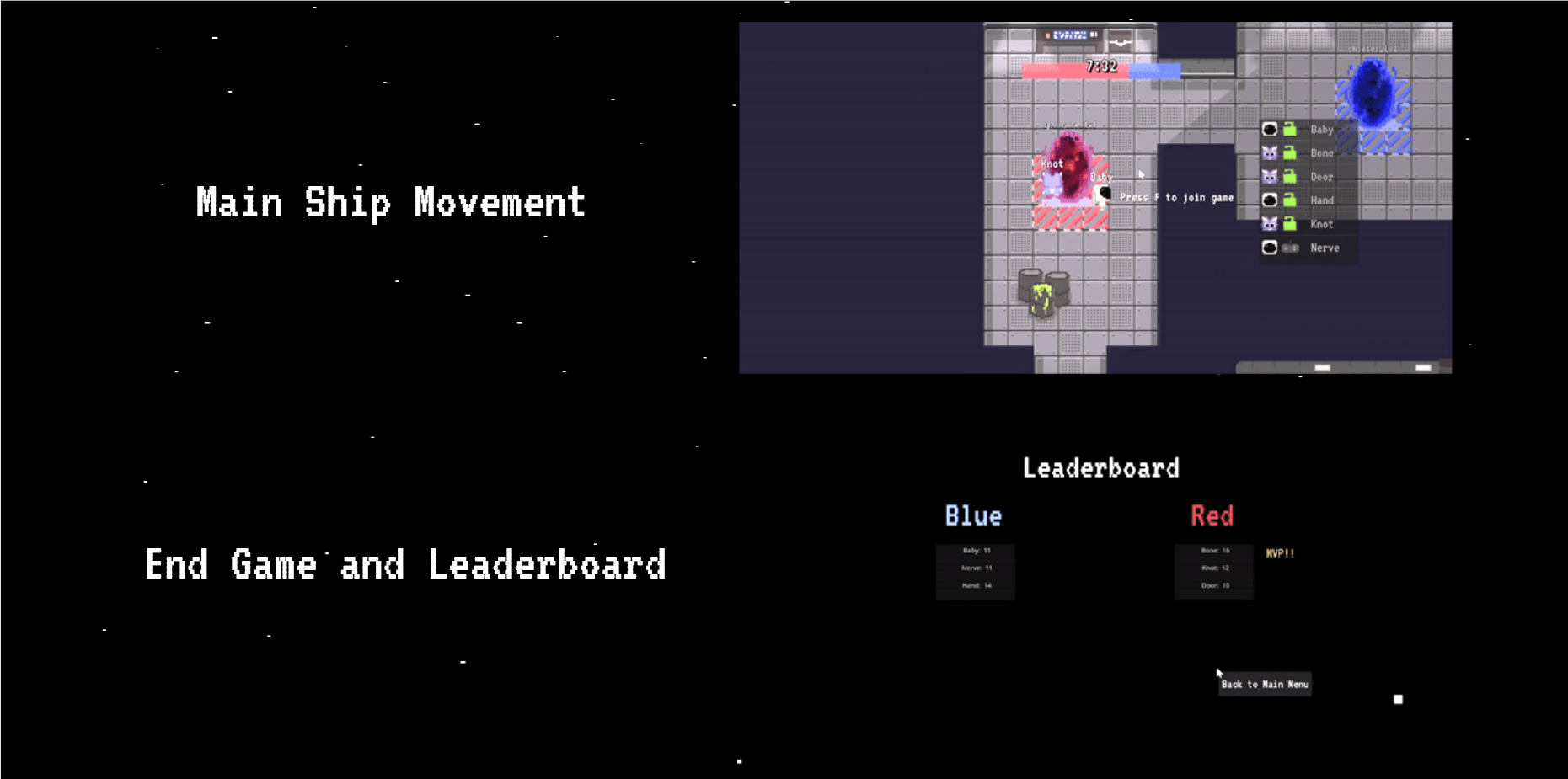
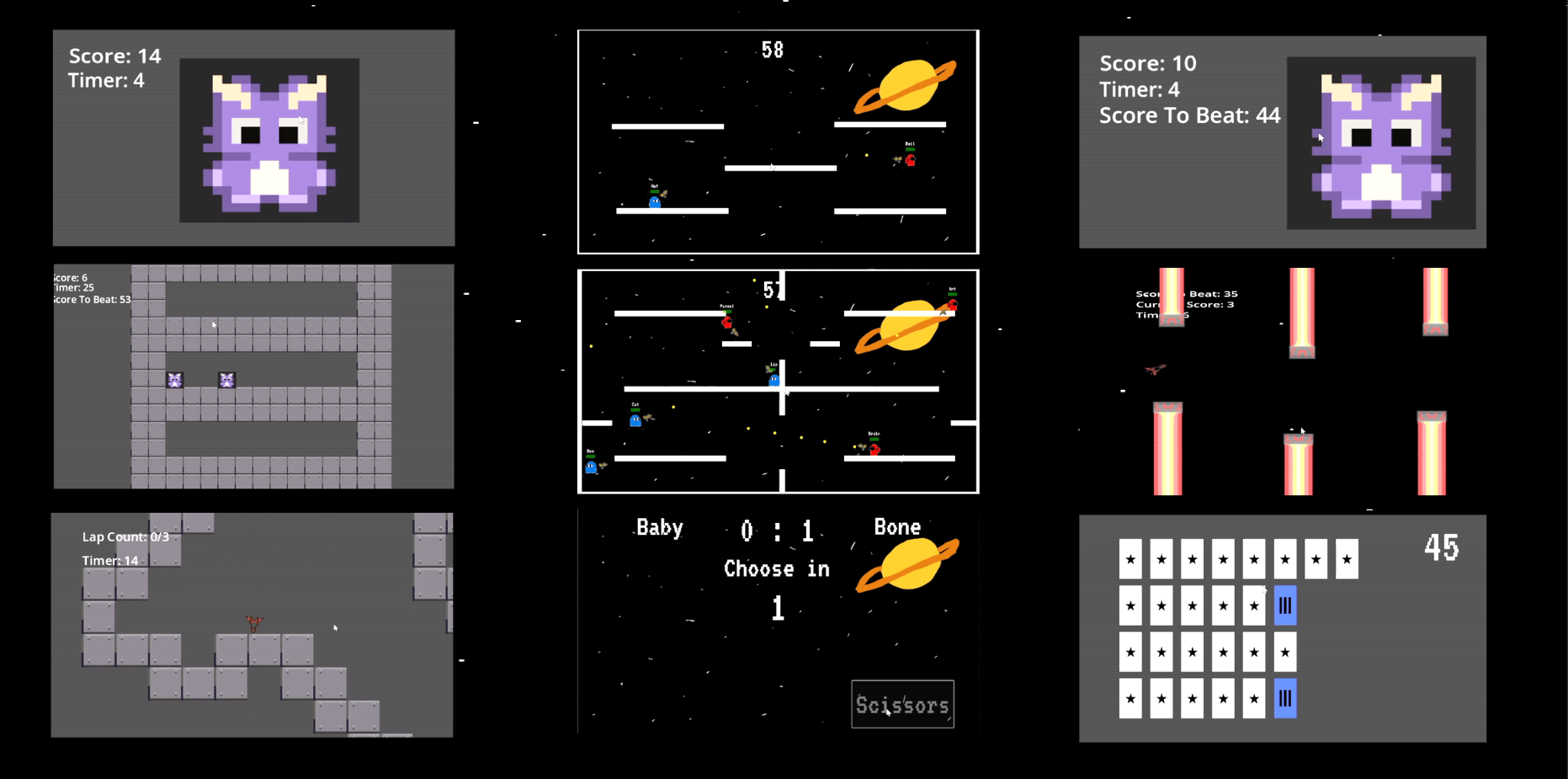
Out of Space was a first-year team project that won the Most Impressive Design and Implementation Award at our university. We created a territorial control game where players had to compete in minigames to gain territory. Each lobby could host up to 6 players, split into two teams: the Alien (red) team and the Human (blue) team. The game was set aboard a ship with portals representing territories that could be captured by playing various minigames.
There were four types of minigames:
- Single-player
- 1v1
- 2v2
- 3v3
Each minigame had a different impact on the outcome, with certain games offering more territory to the winning team. Players not already in a game were randomly selected to participate in minigames, keeping the action fast-paced and exciting. These minigames lasted less than a minute, ensuring chaotic and intense gameplay. Each round typically lasted only 10 minutes, which felt even shorter when you were playing.
The project used its own server written in Go, hosted on DigitalOcean, while the game itself was developed using the Godot game engine. I was responsible for designing most of the sprites and UI, though other team members contributed their own minigames and assets due to time constraints. We used WebSockets for server communication and even gathered player movement data, which we visualized with heatmaps.
This project was incredibly exciting to work on. Despite being a first-year project, we had ambitious goals, and it felt like we were kids again as we brainstormed all the minigame ideas. Seeing the game run smoothly and watching playtesters enjoy it was an amazing experience. Although the game was well-received, there were still areas for improvement. With more time, we could enhance the graphics, ensure consistent designs across all minigames, and add new minigames to keep the experience fresh. We also had ideas for power-ups, like freezing the opposing team to claim all the single-player territories, but we ran out of time to implement them.
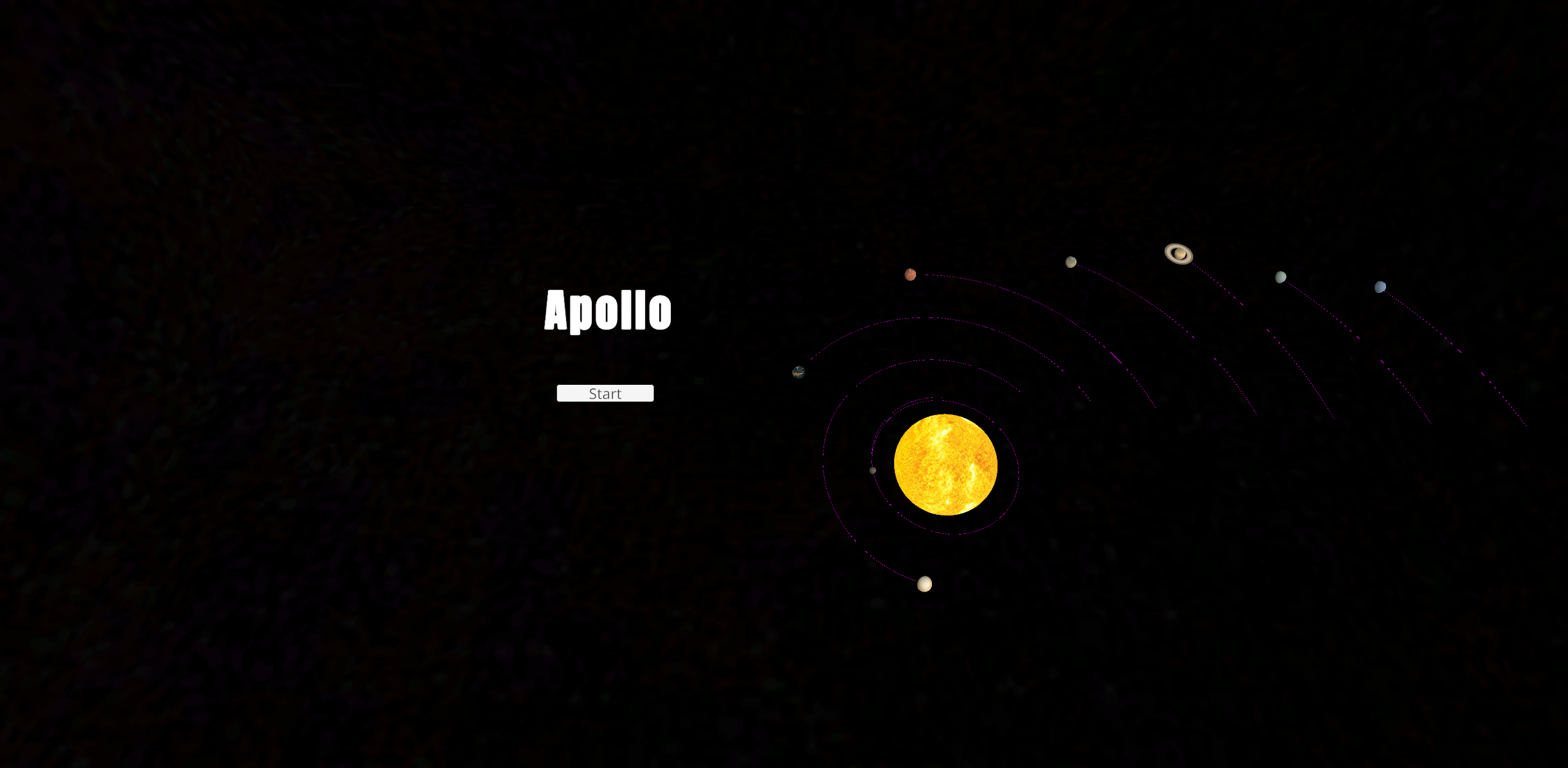
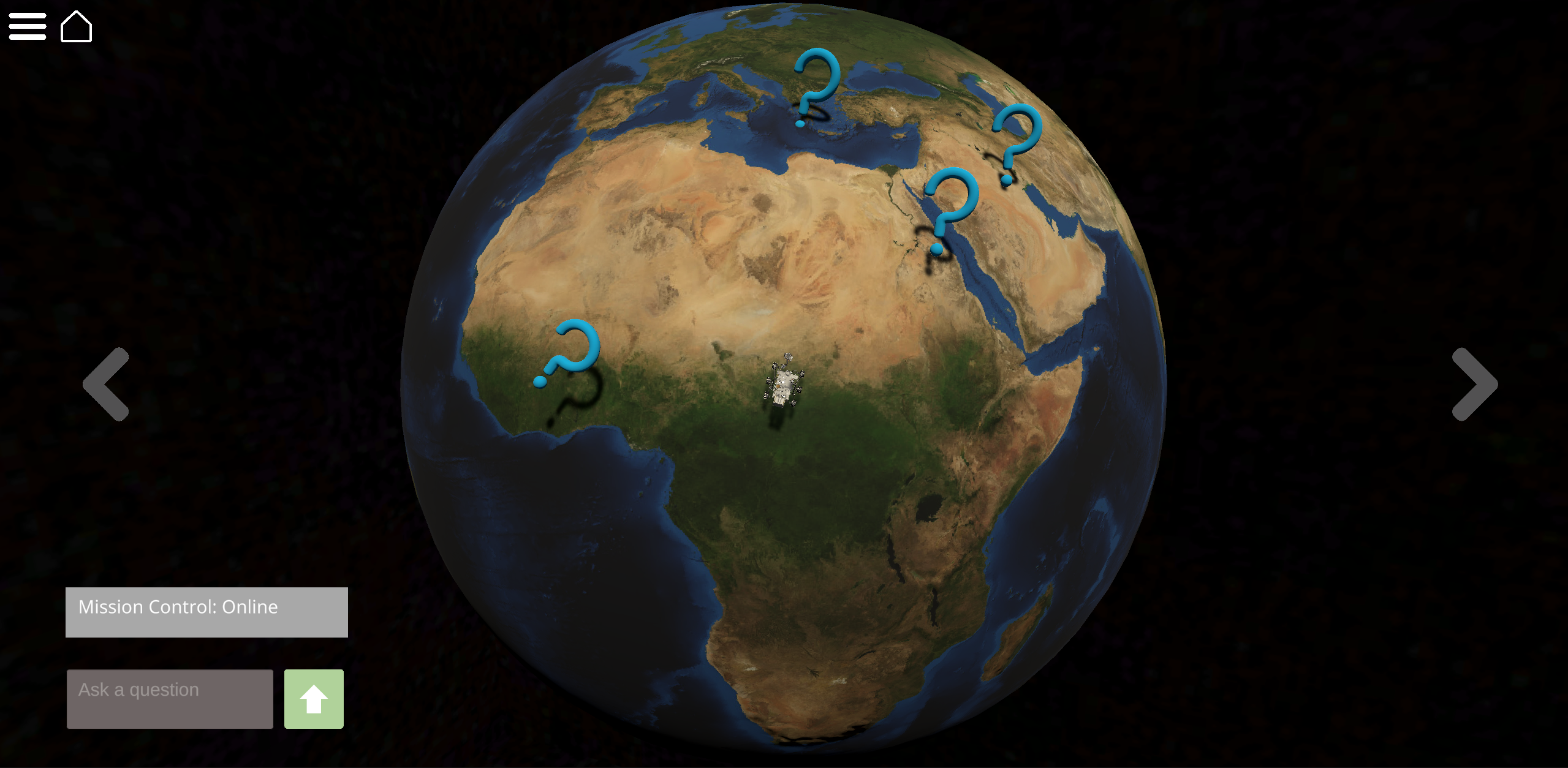
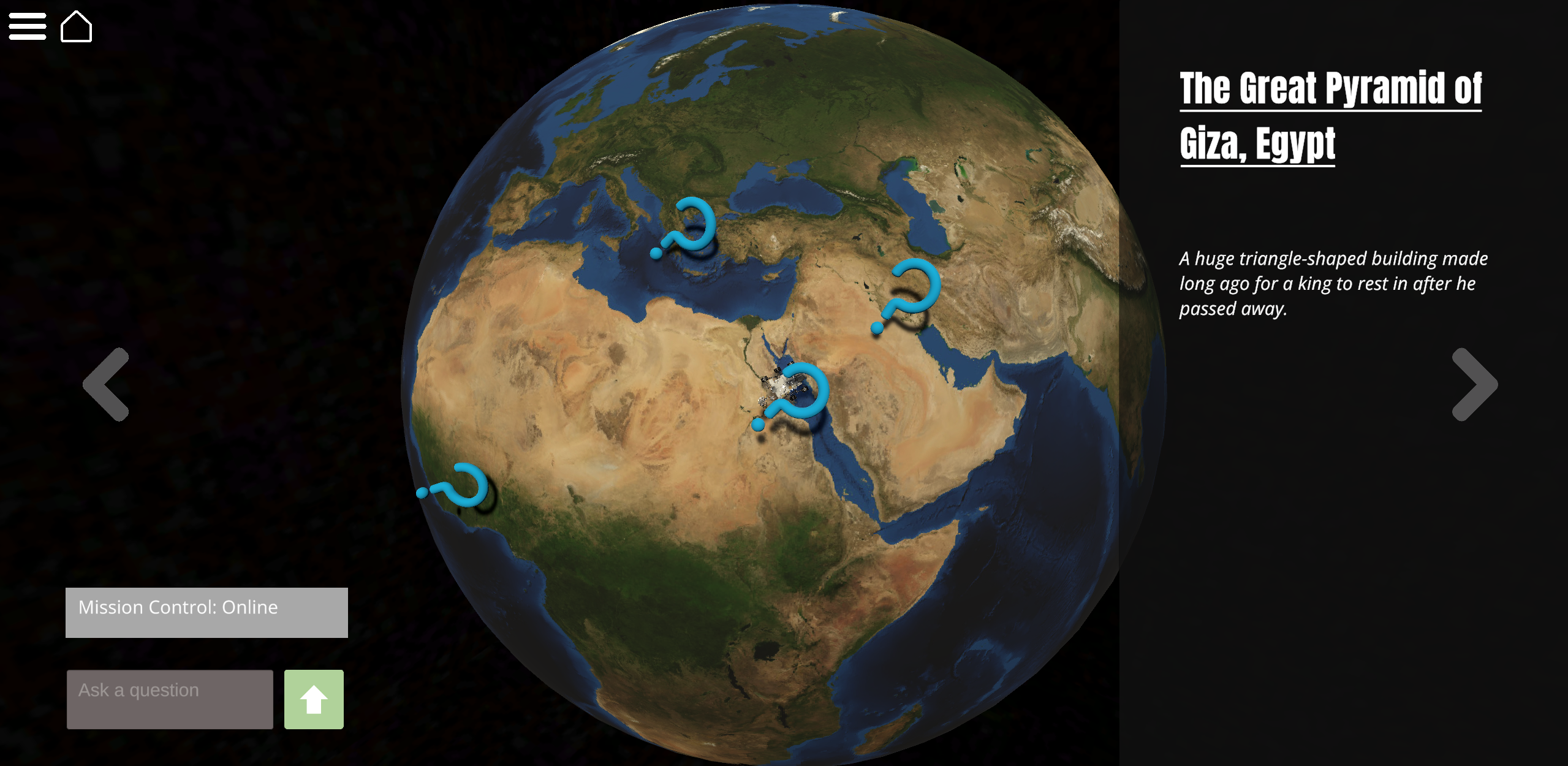
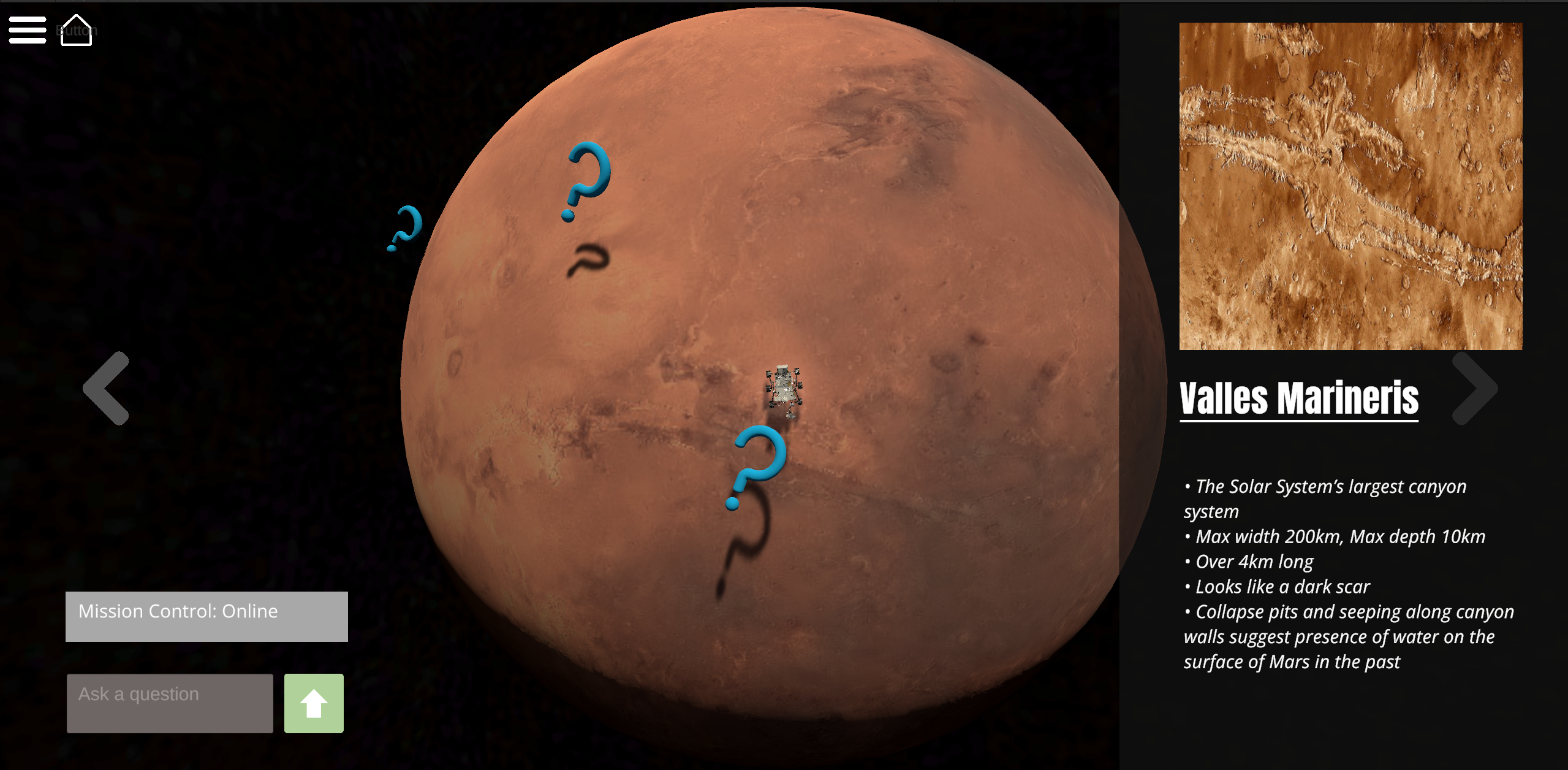
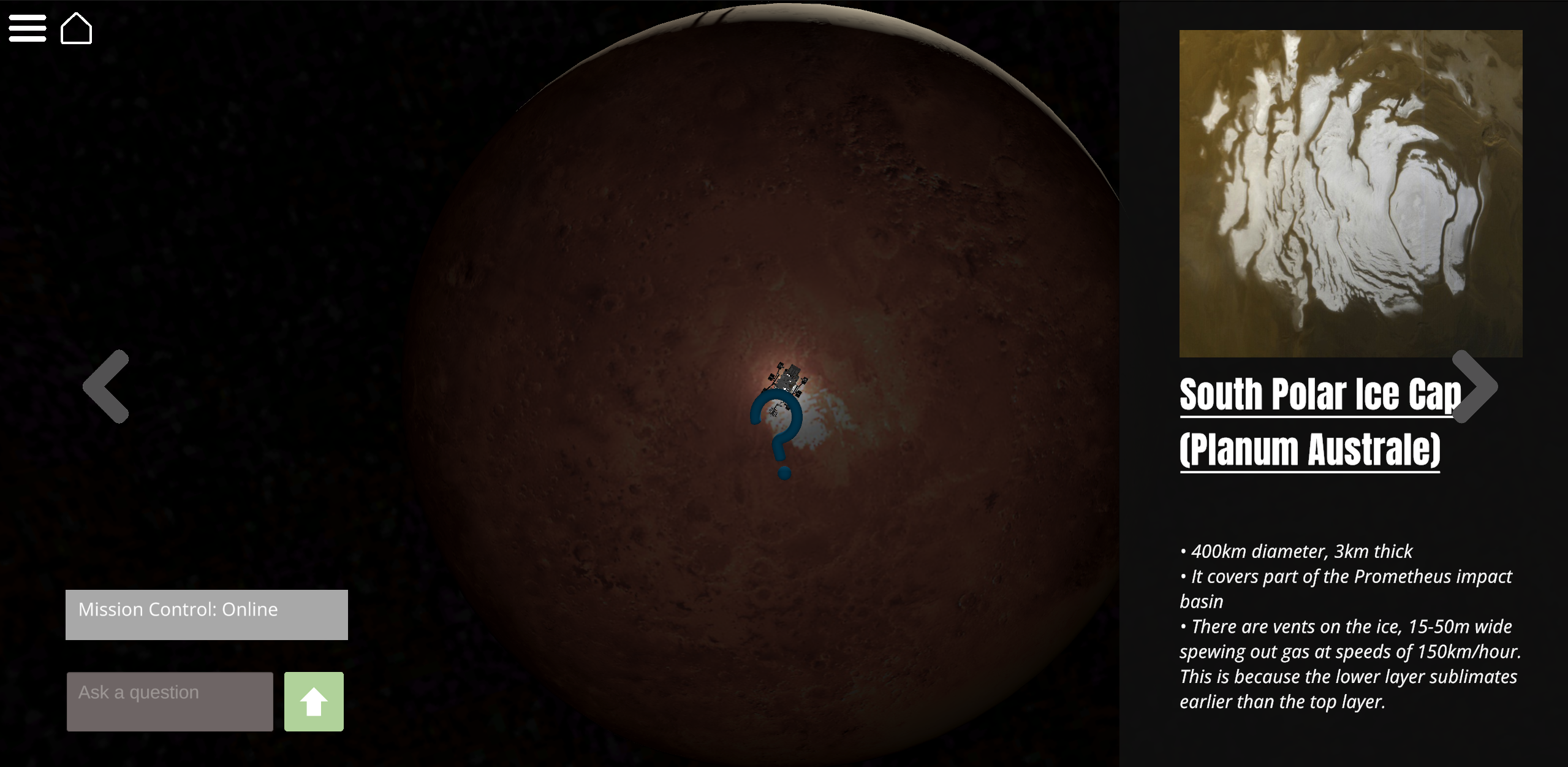
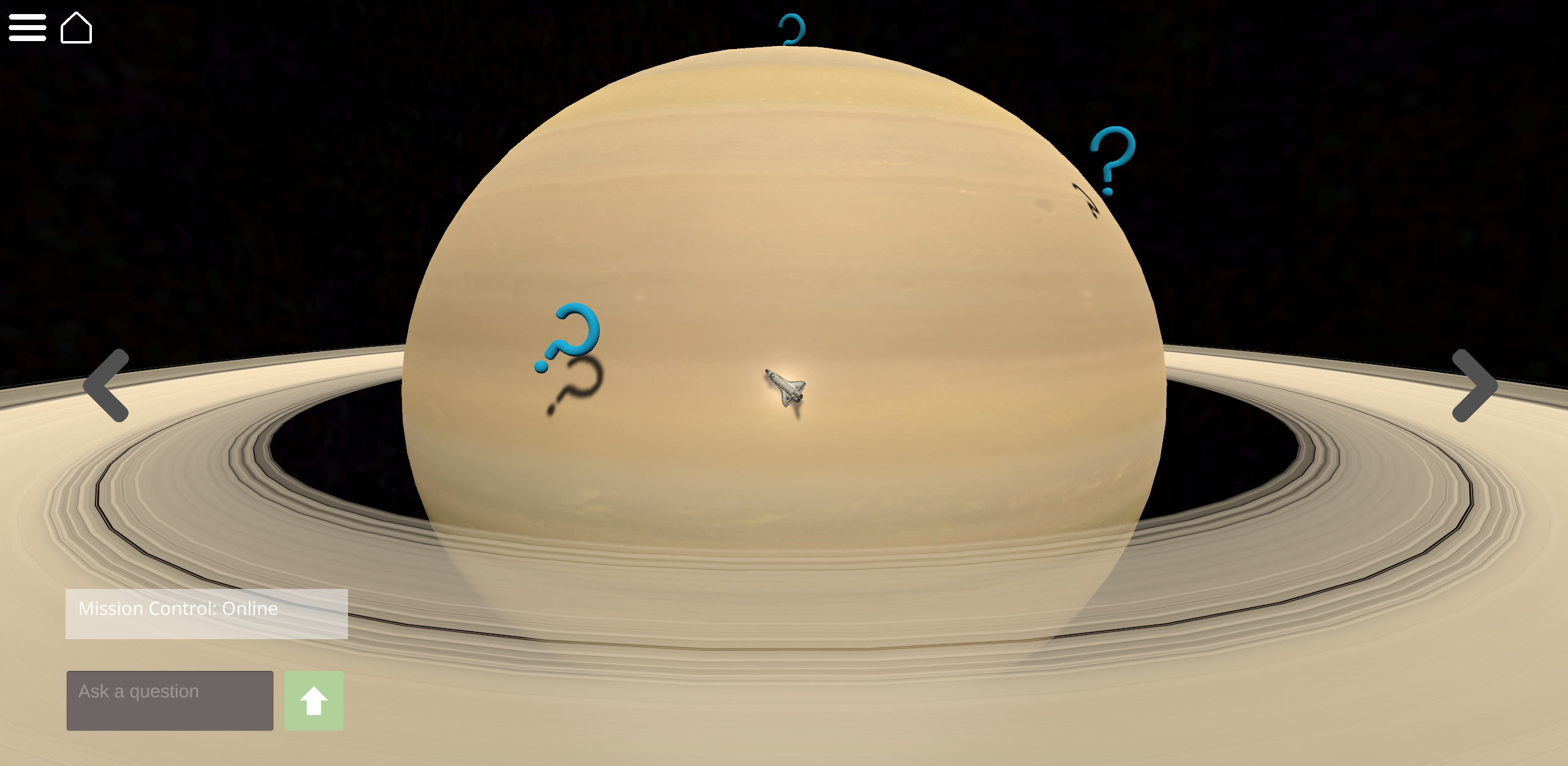
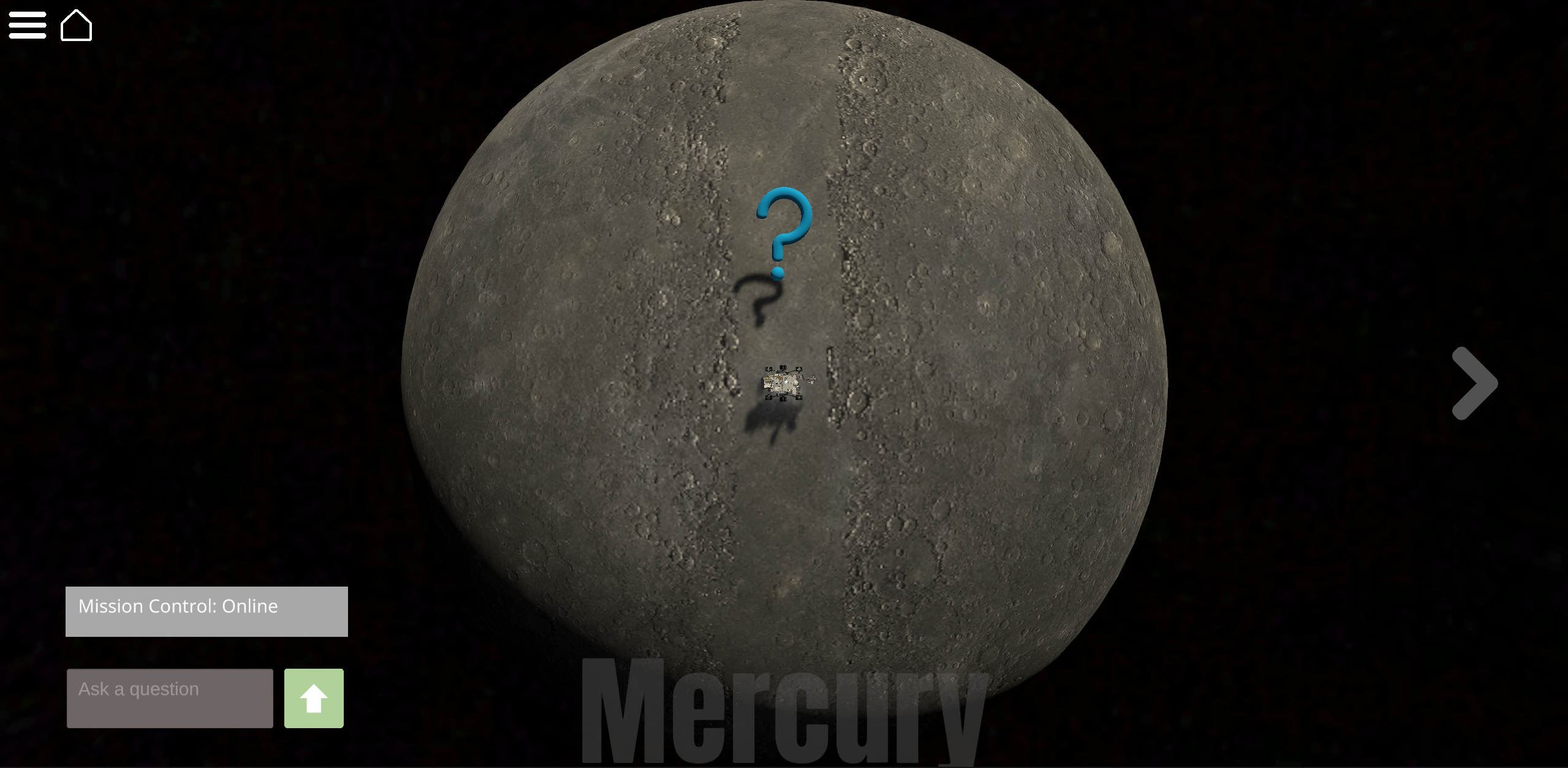
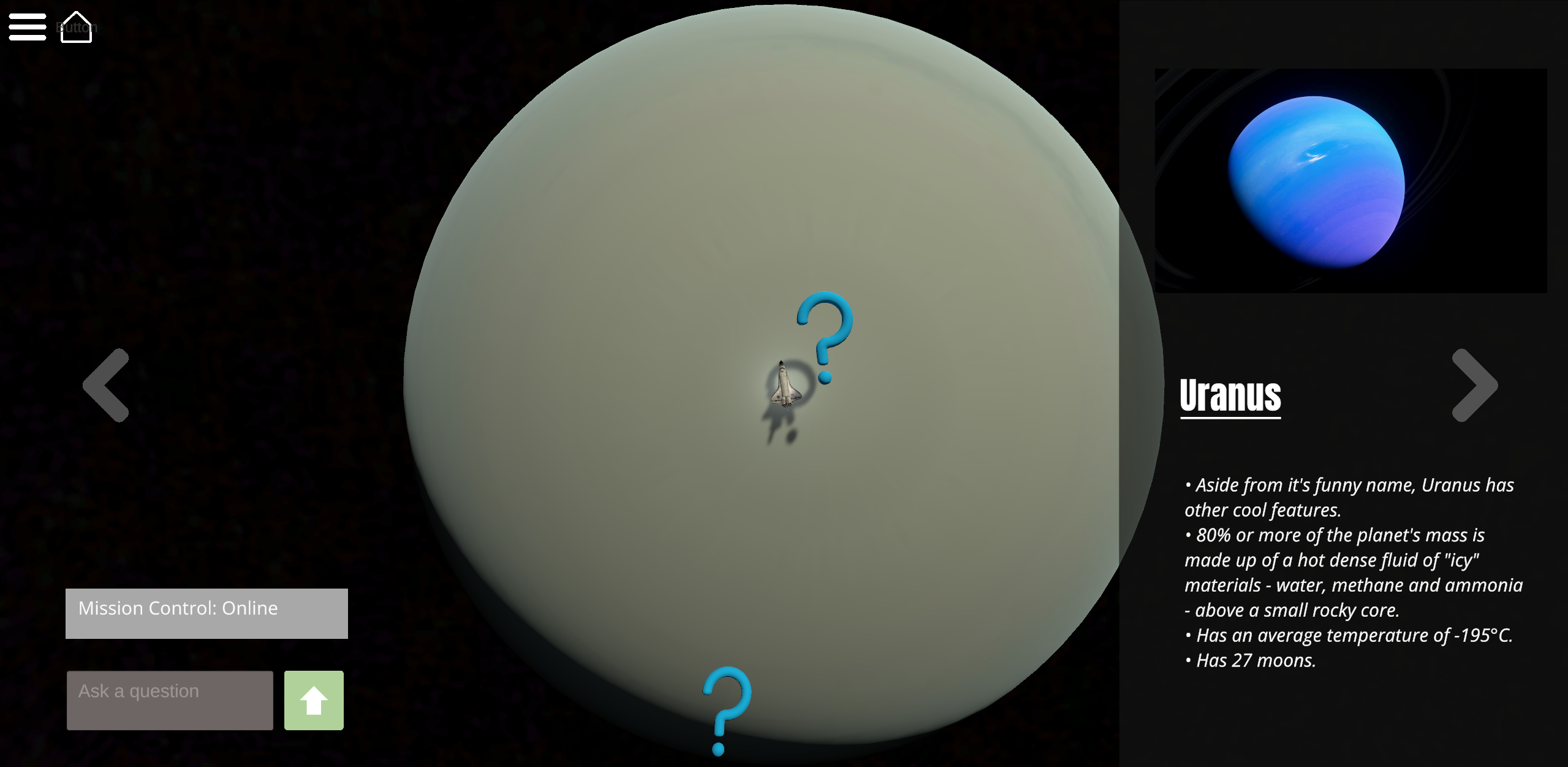
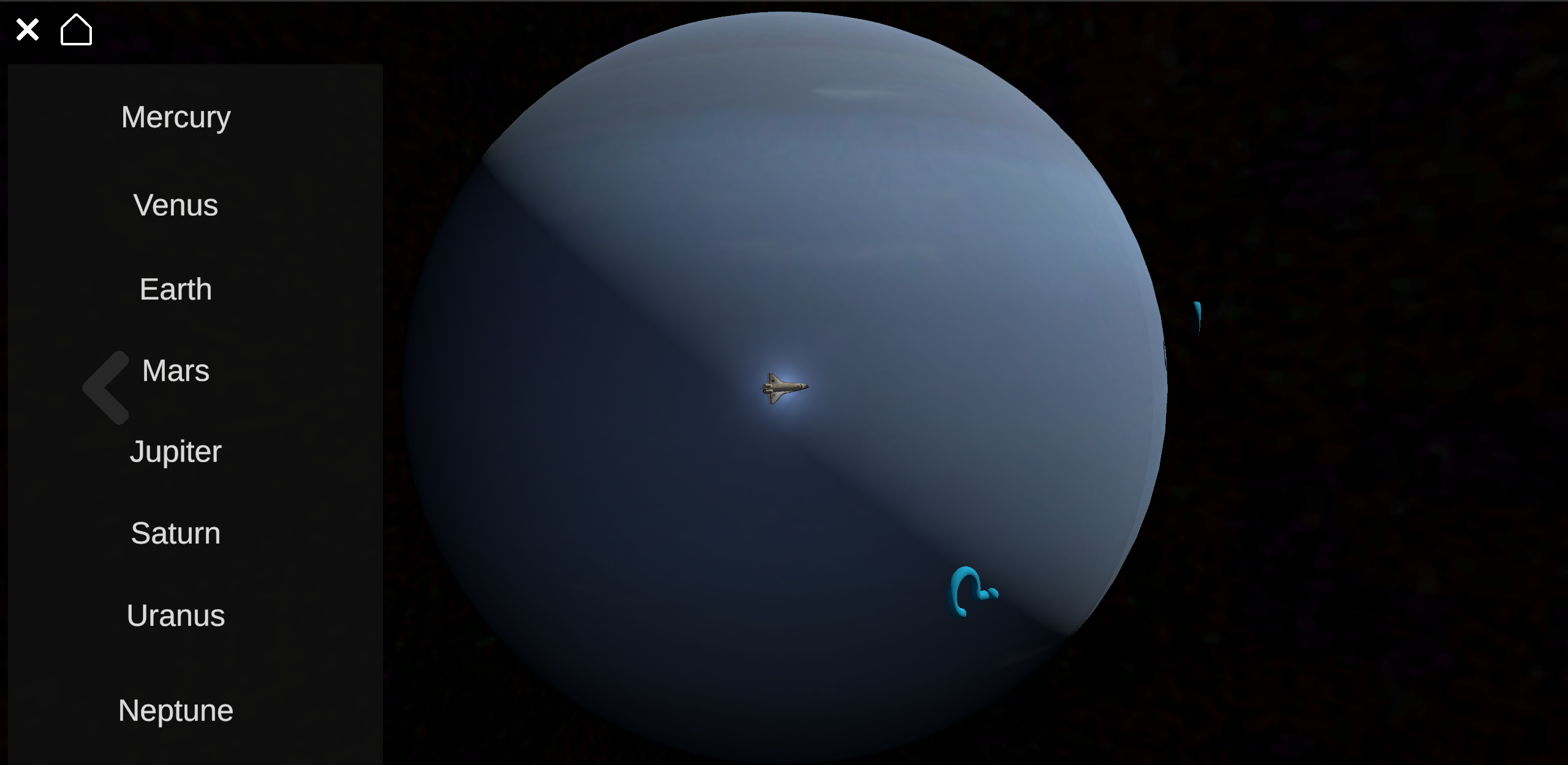
Apollo is a digital planetarium where you can explore the planets of the solar system as a little rover—or even as a spaceship when cruising through the gas giants! Each planet features a floating question mark above famous landmarks, offering fun facts about both the landmark and the planet itself. This project was built with my team in just 24 hours for StudentHack 2024, where we proudly took home 2nd place. It was our first hackathon, so we were thrilled with the outcome.
This project was a childhood dream come true. As a kid, I was always fascinated by the planets and wondered what it would be like to explore them. Through this project, that dream came one step closer to reality. By utilizing free assets from NASA, we created an interactive way to learn more about our solar system.
One of the standout features is "Mission Control", an AI chatbot that answers any questions about the current planet or space in general. We integrated OpenAI's API to bring this feature to life (though unfortunately, we ran out of credits, so no live demos right now). It was amazing to finally use OpenAI's product, not just as a regular civilian, but as a software engineer. We hit some technical difficulties with the API integration, but we kept our cool, helped each other debug the issues, and made sure no one stayed stuck or stressed for too long. This teamwork really contributed to our success.
If I could expand this project, I’d love to add a 3D view from inside each planet, instead of just observing from space. It would make the experience even more immersive—like you're actually exploring the planet as an astronaut. That was my initial vision for the project, but we just don’t have enough data yet to make it as accurate as I’d like.
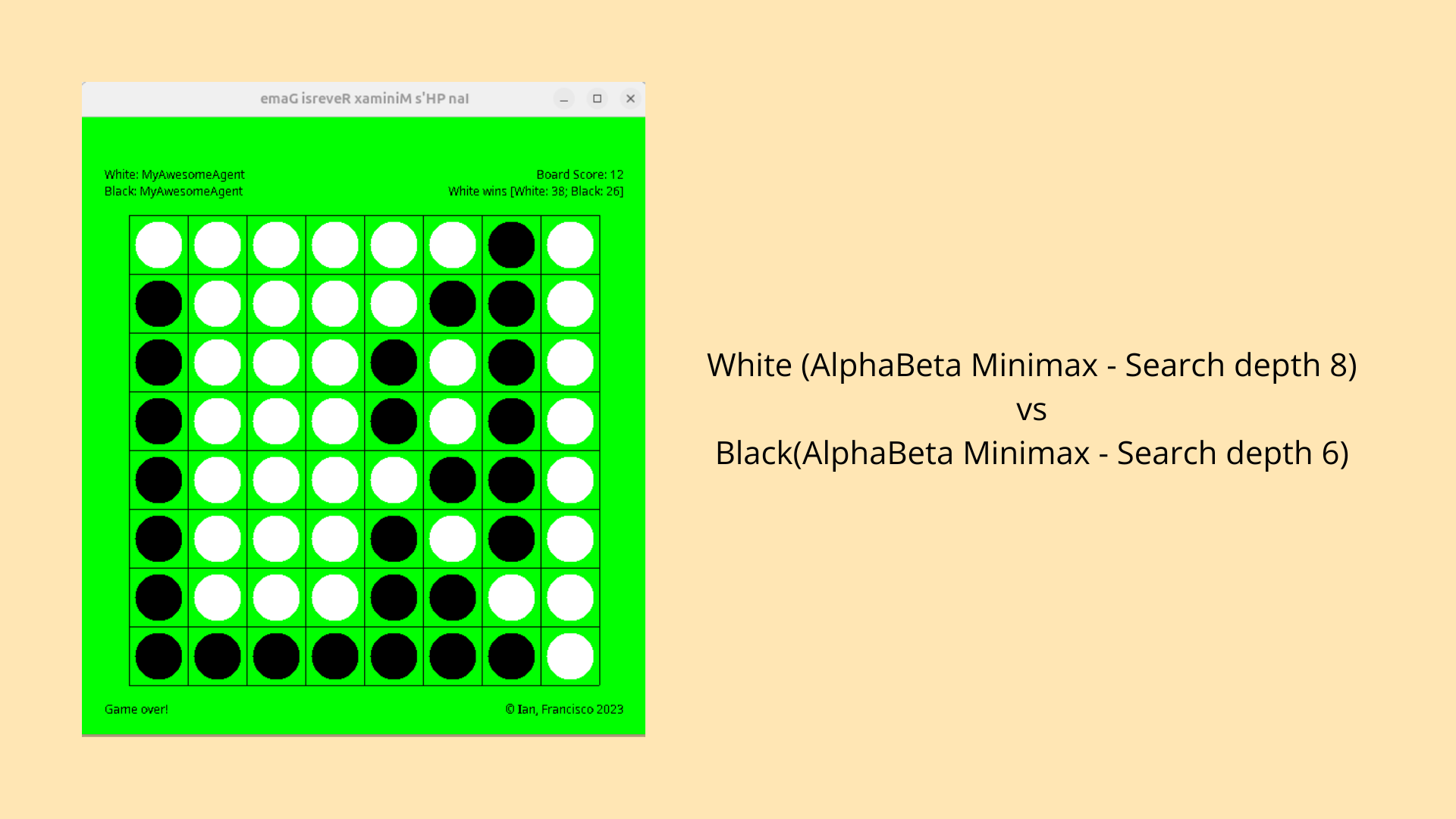
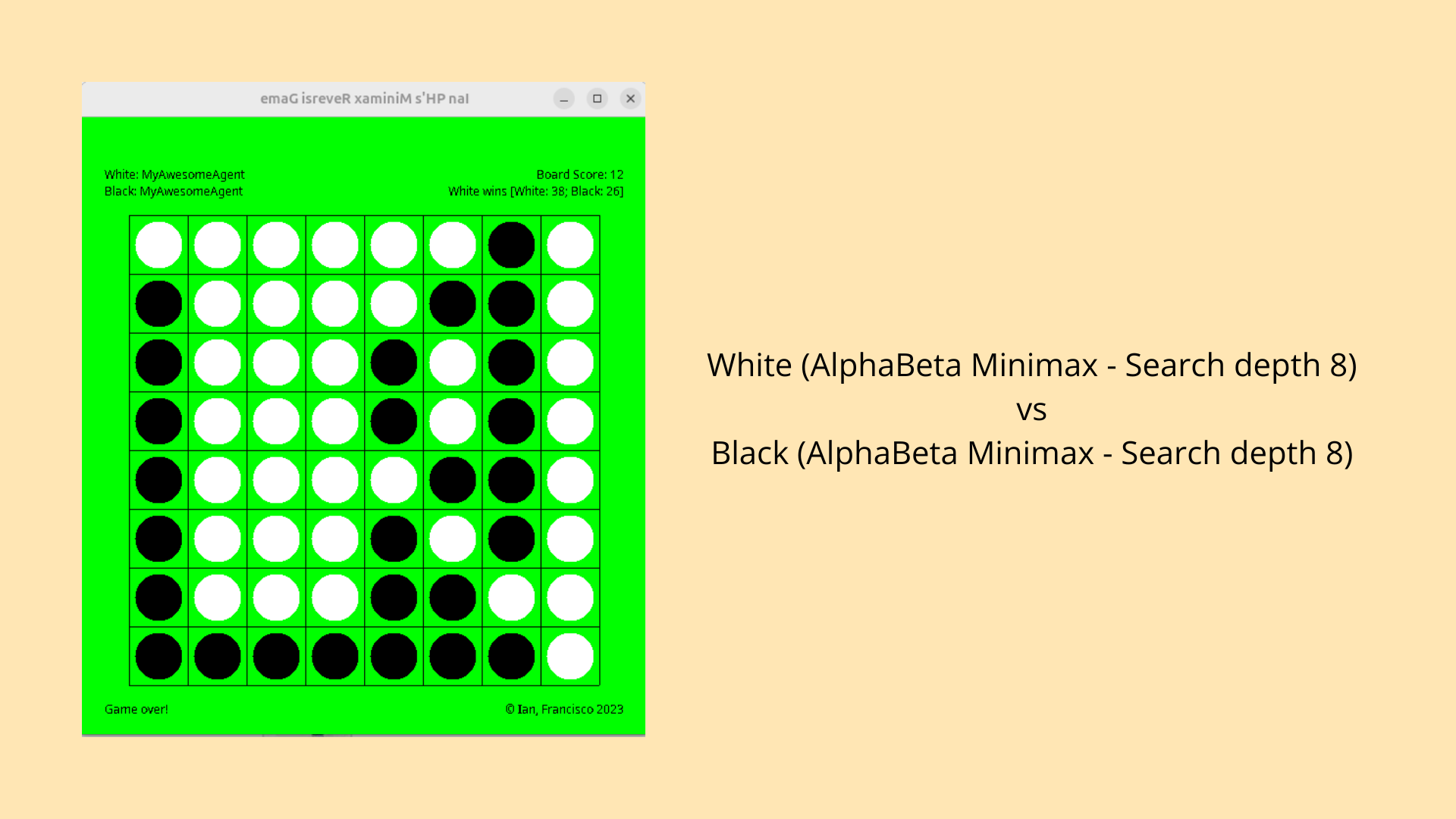
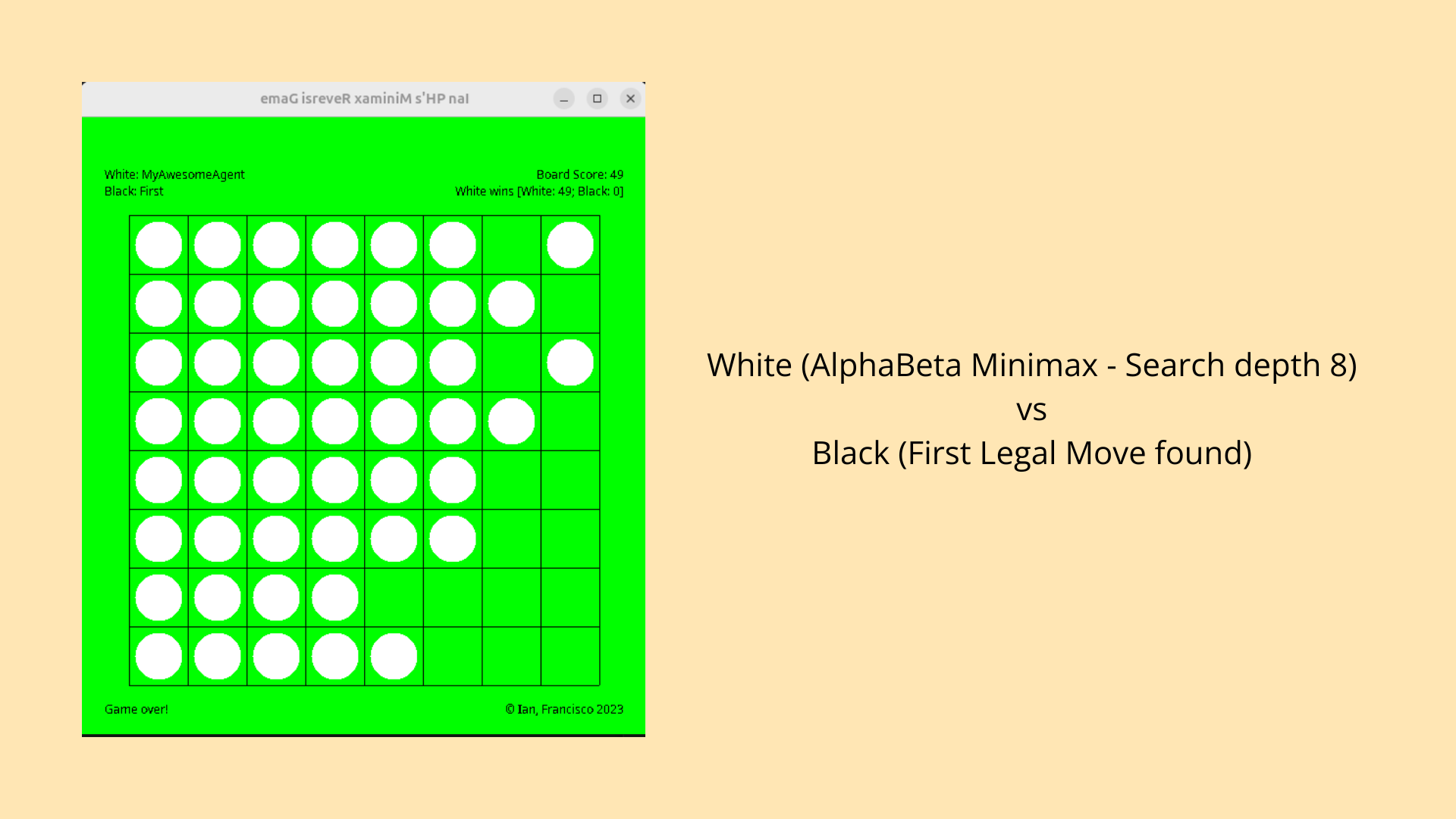
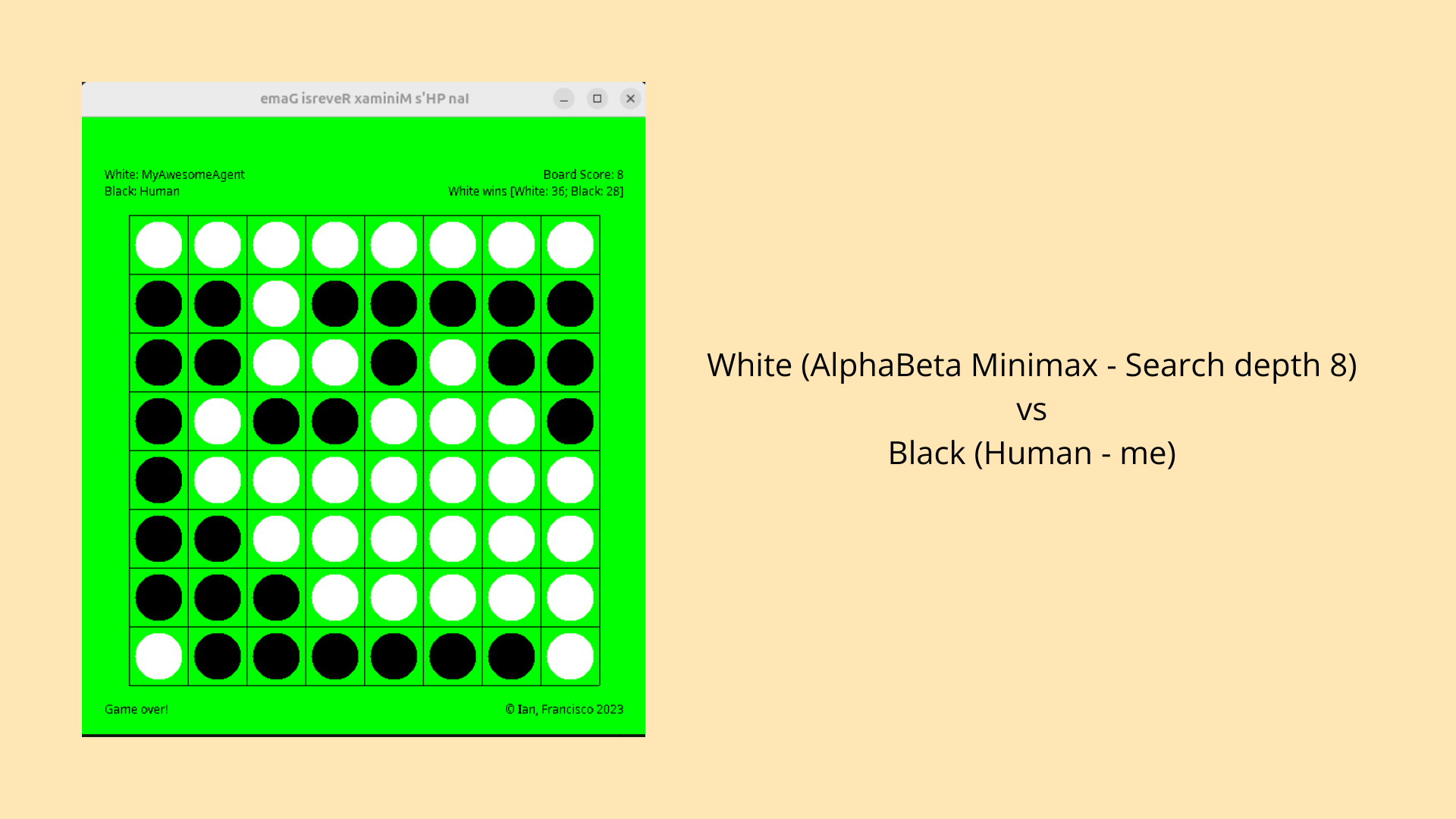
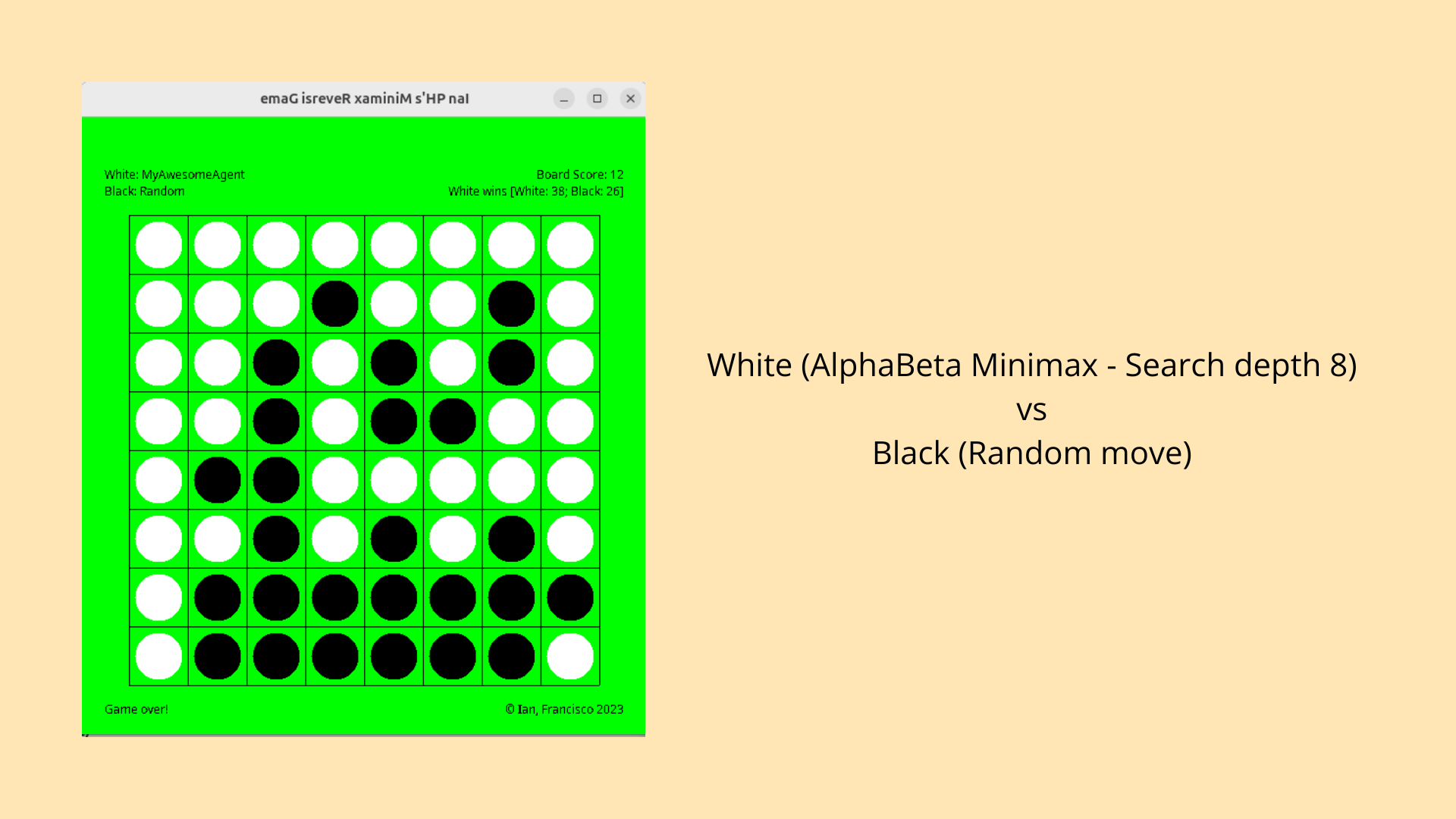
Minimax!! When I was at university, we started diving into machine learning algorithms, and one of our assignments was to build an AI that could play Othello. To tackle this, we used the Minimax algorithm with alpha-beta pruning and a set search depth. I’ve included some images of my AI in action, playing a few games. This was the first AI project I fully built from scratch. After going through the process, AI doesn’t feel as mysterious anymore—at the end of the day, it’s still just a program, not something with consciousness or true intelligence (yet).
One of the biggest challenges I ran into was the AI becoming too slow when it searched at higher depths. The deeper it searched, the longer it took to find the best move. To fix this, I added a sorting algorithm that ranked potential moves based on how strong they were for the current player. By doing this, the AI could prioritise the best moves earlier in the search process, which allowed alpha-beta pruning to cut off more branches. This made the AI much faster and improved its overall performance.
Looking ahead, I want to take the AI further by incorporating more advanced heuristics, which would help it make smarter decisions without needing to search as deeply. I’m also interested in experimenting with algorithms like Monte Carlo Tree Search, which could offer a more efficient approach to solving game problems like Othello. Additionally, better benchmarking and testing tools will help me fine-tune and assess the AI's performance more effectively in future projects.
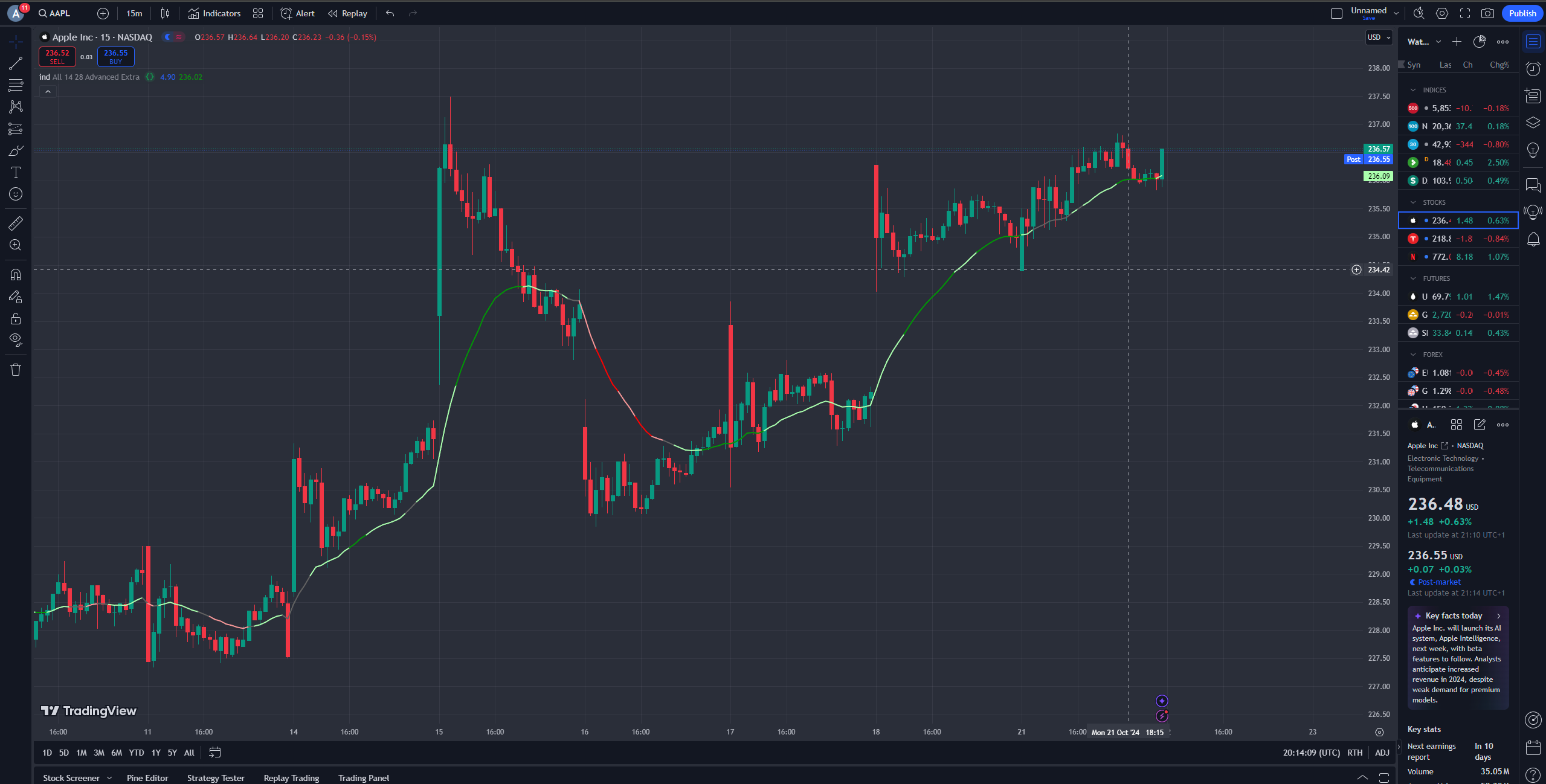
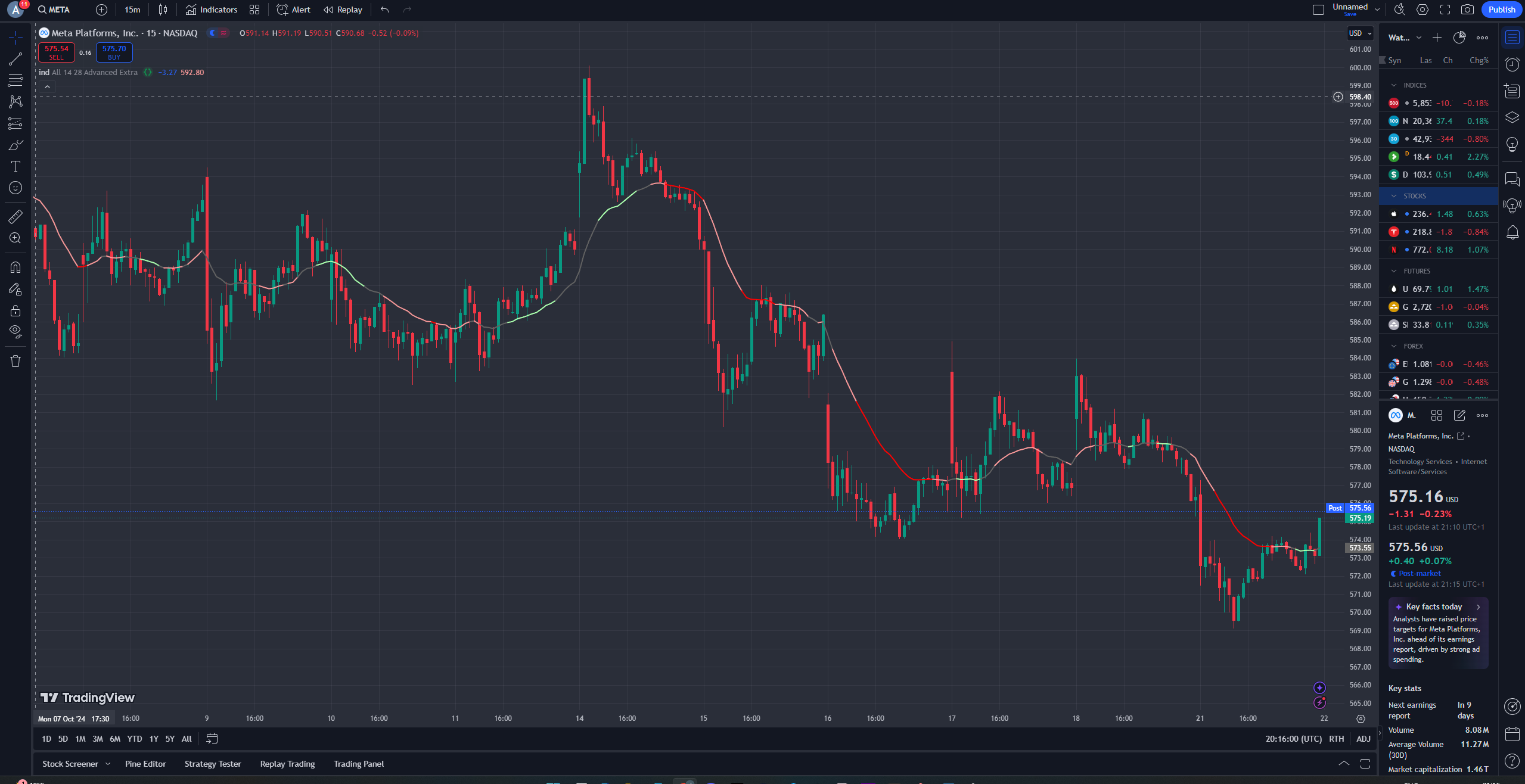
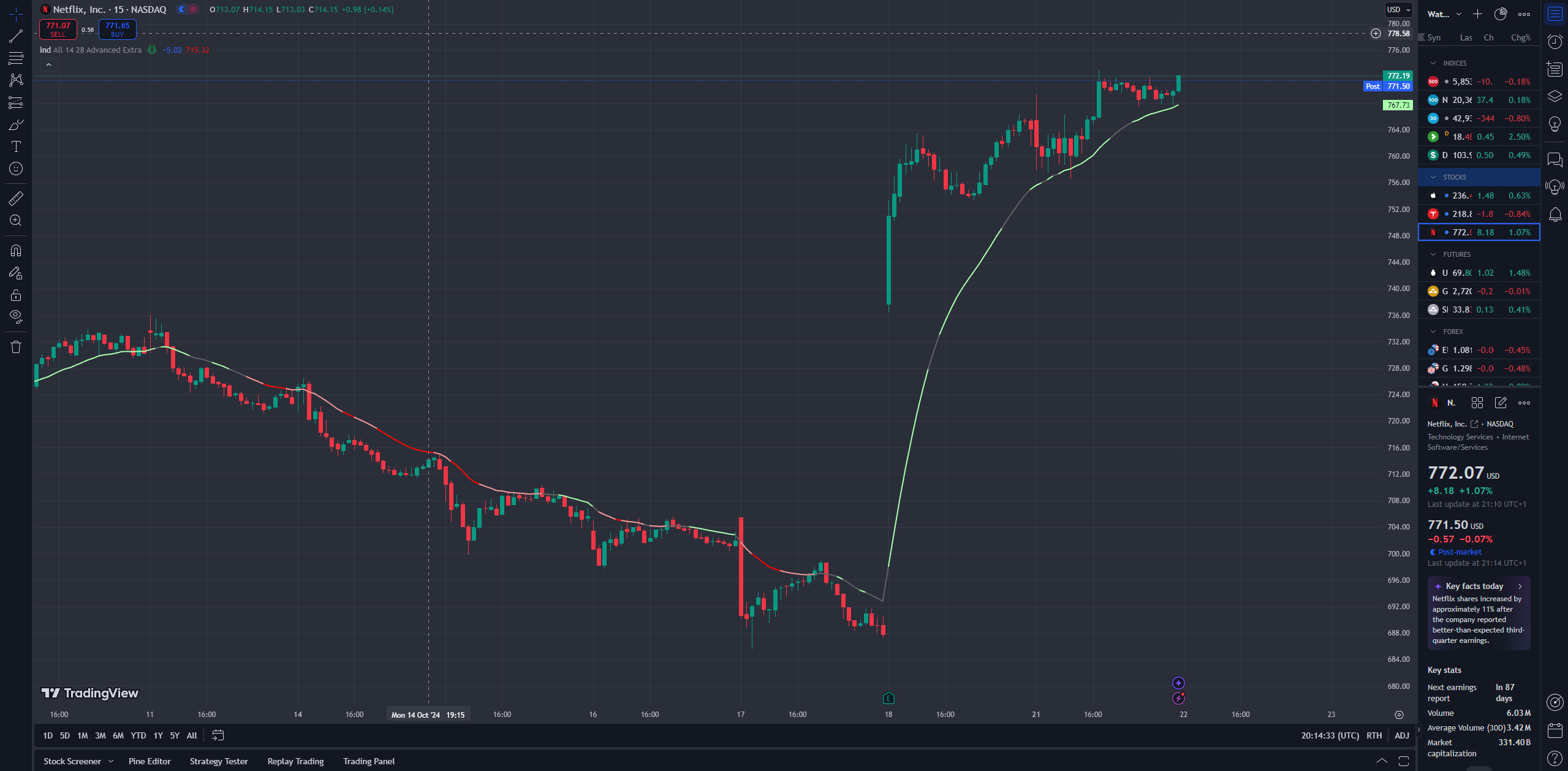
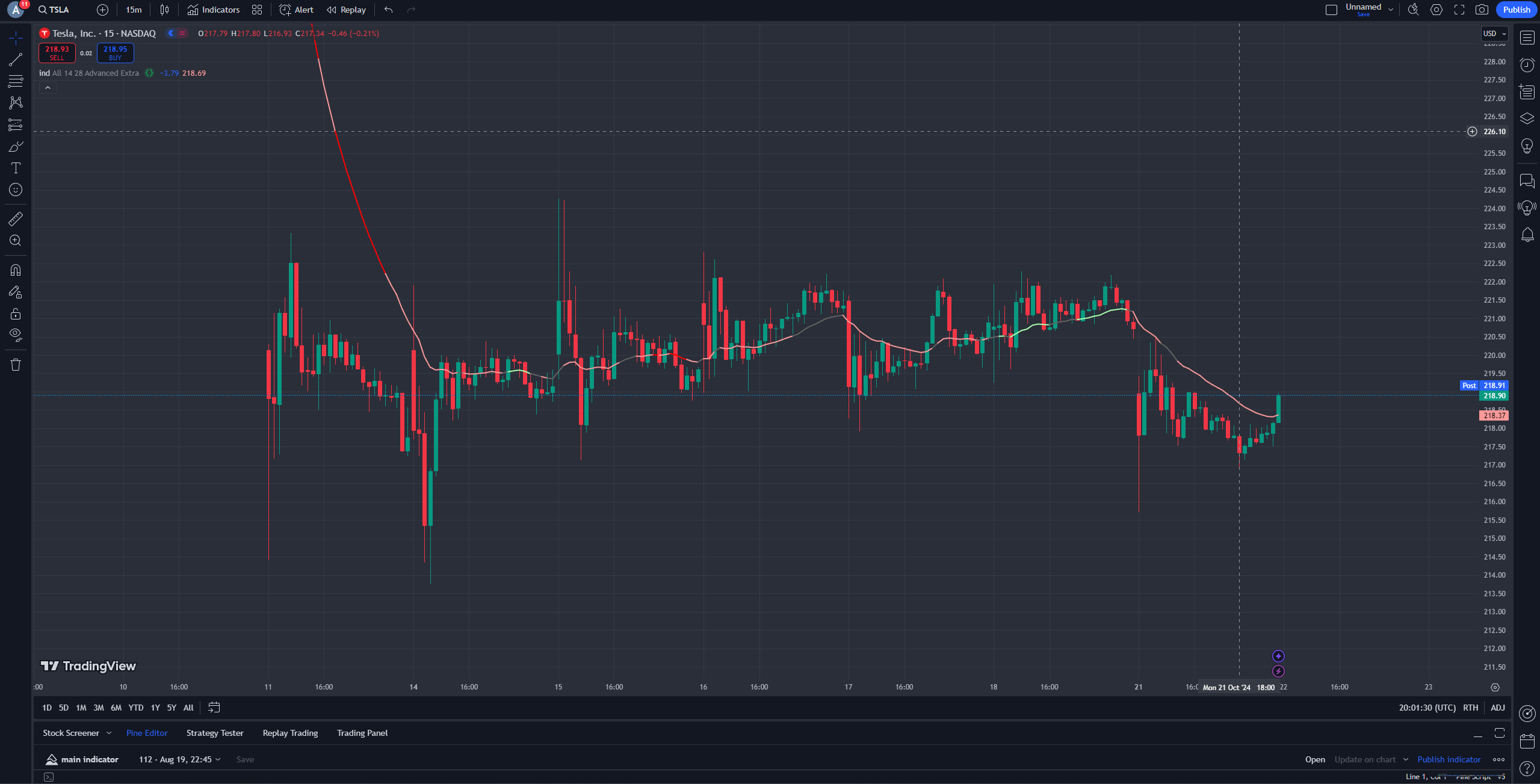
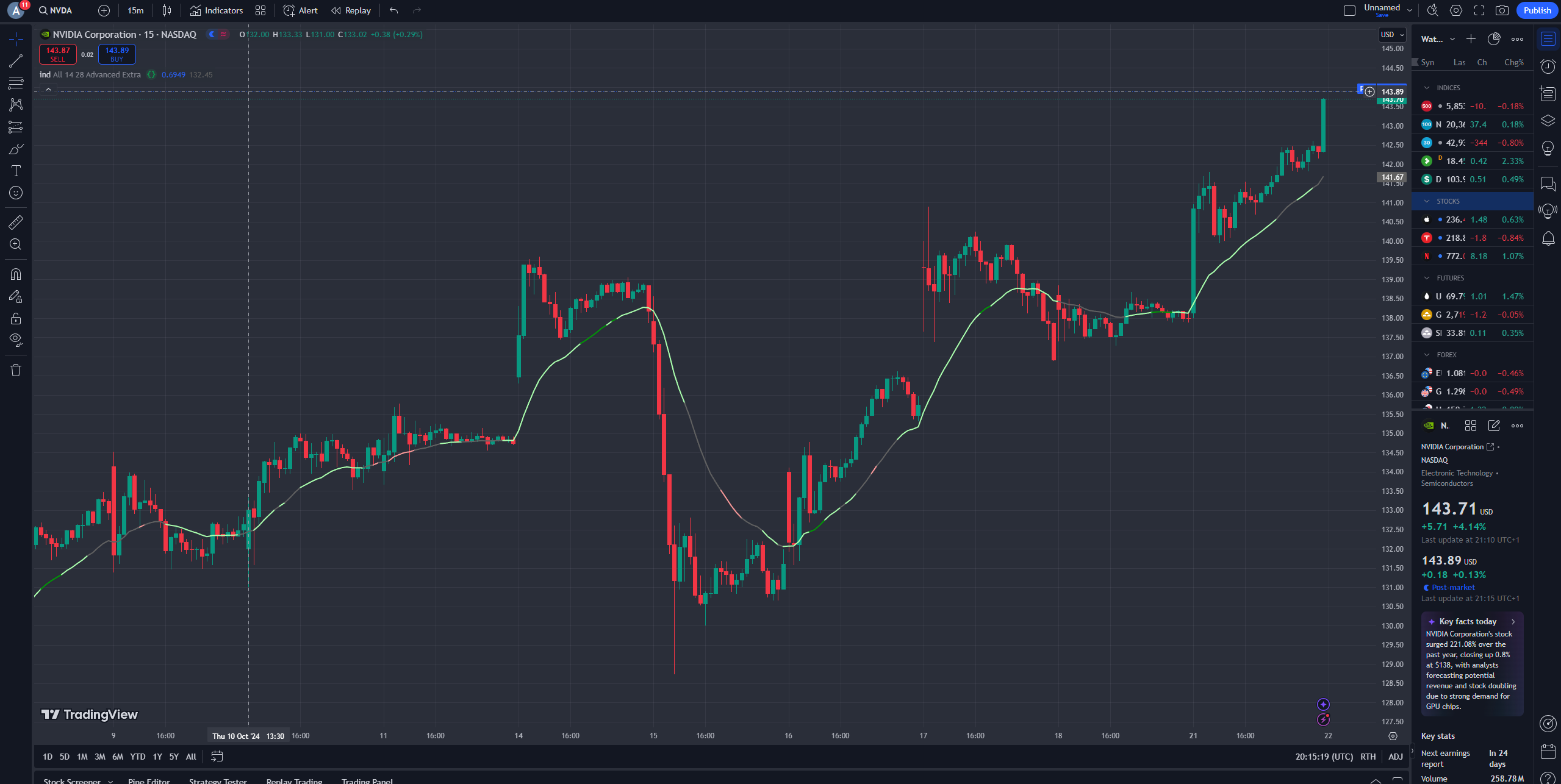
KNN!! This project was inspired by my interest with the stock market and its indicators. I wanted to create a k-nearest neighbors algorithm to see if I could predict stock market movements. I built this using TradingView's Pine Script, which was a bit tricky to learn at first, but after digging into the documentation, it's actually not that unberable.
The algorithm works by taking previous data points and adding them to a matrix. When a new data point comes in, we compare it with its k nearest neighbors to make a prediction. We then map these predictions onto an Exponential Moving Average (EMA) line. The line turns red if the prediction indicates a downward trend (less than -1), green for an upward trend (more than 1), and grey if it's in between, suggesting that the prediction isn't strong enough to provide a clear direction.
While it was exciting to build, I have to admit that the accuracy isn’t quite there yet (do not trust this algorithm with your life savings). It definitely needs more data to improve its predictions. However, processing more data requires more computational power and time. Currently, my algorithm struggles with speed when handling larger datasets. I could consider using KD Trees to optimize this, but given Pine Script's limitations, implementing recursive data structures isn’t the most enjoyable thing to do.
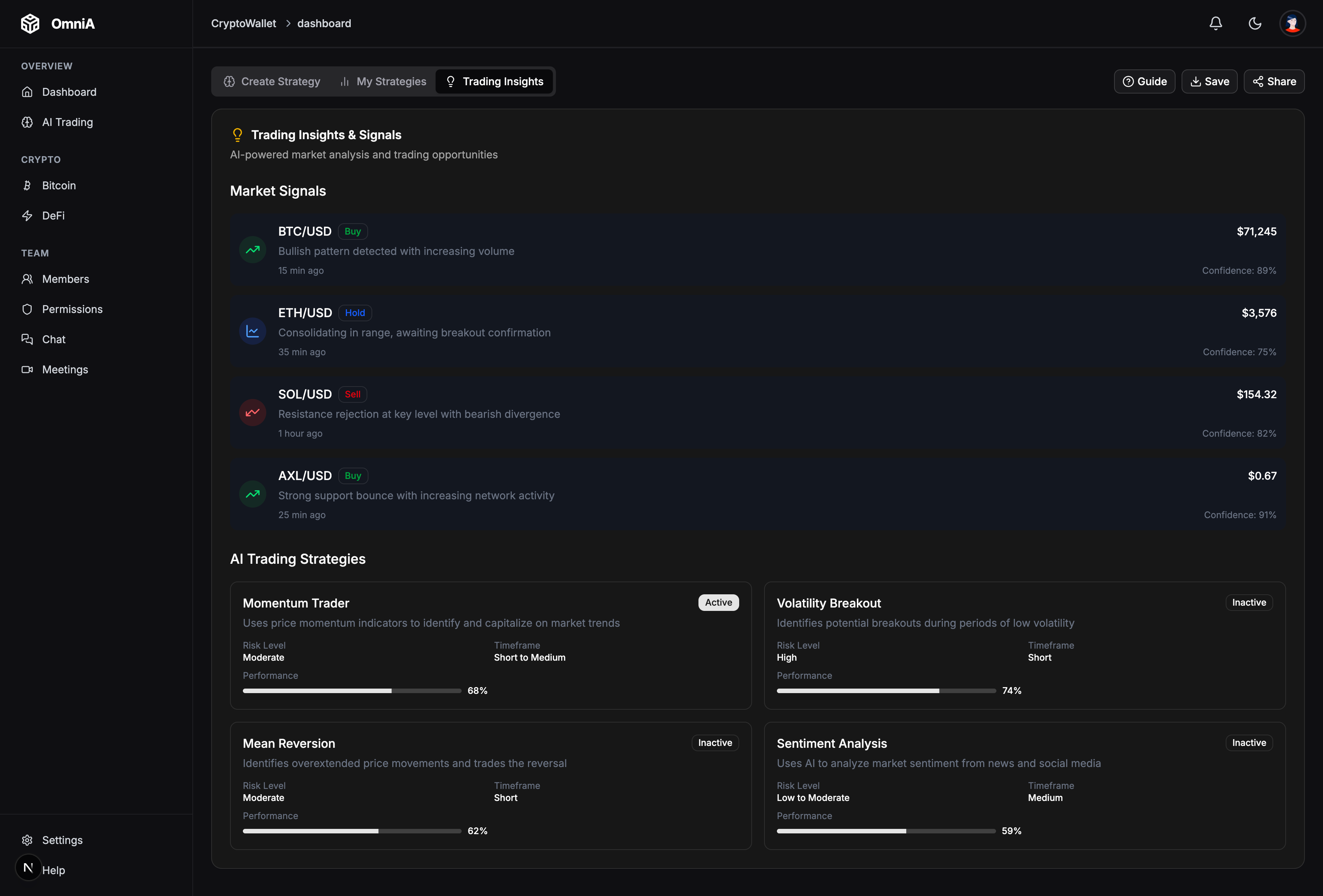
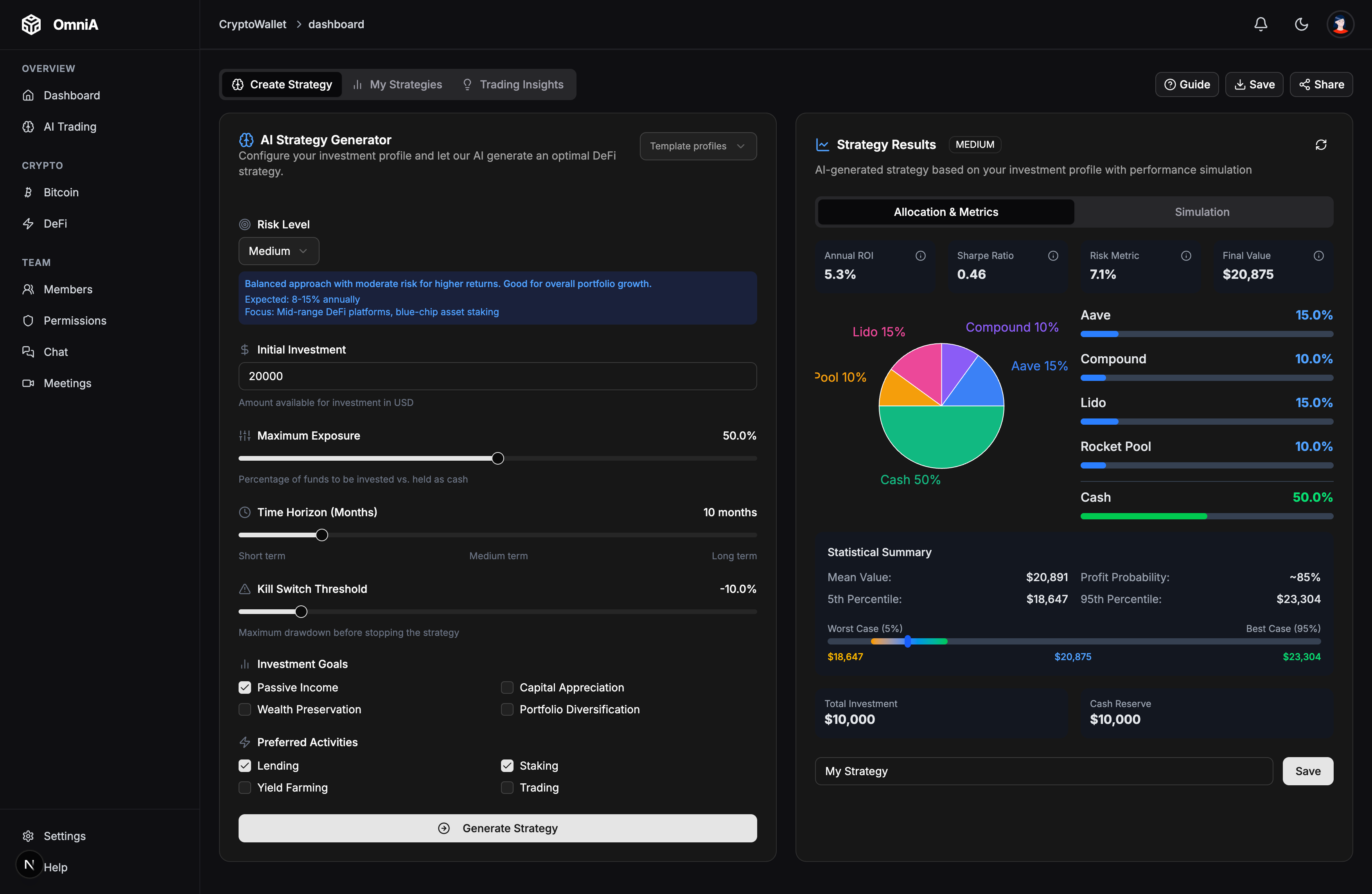
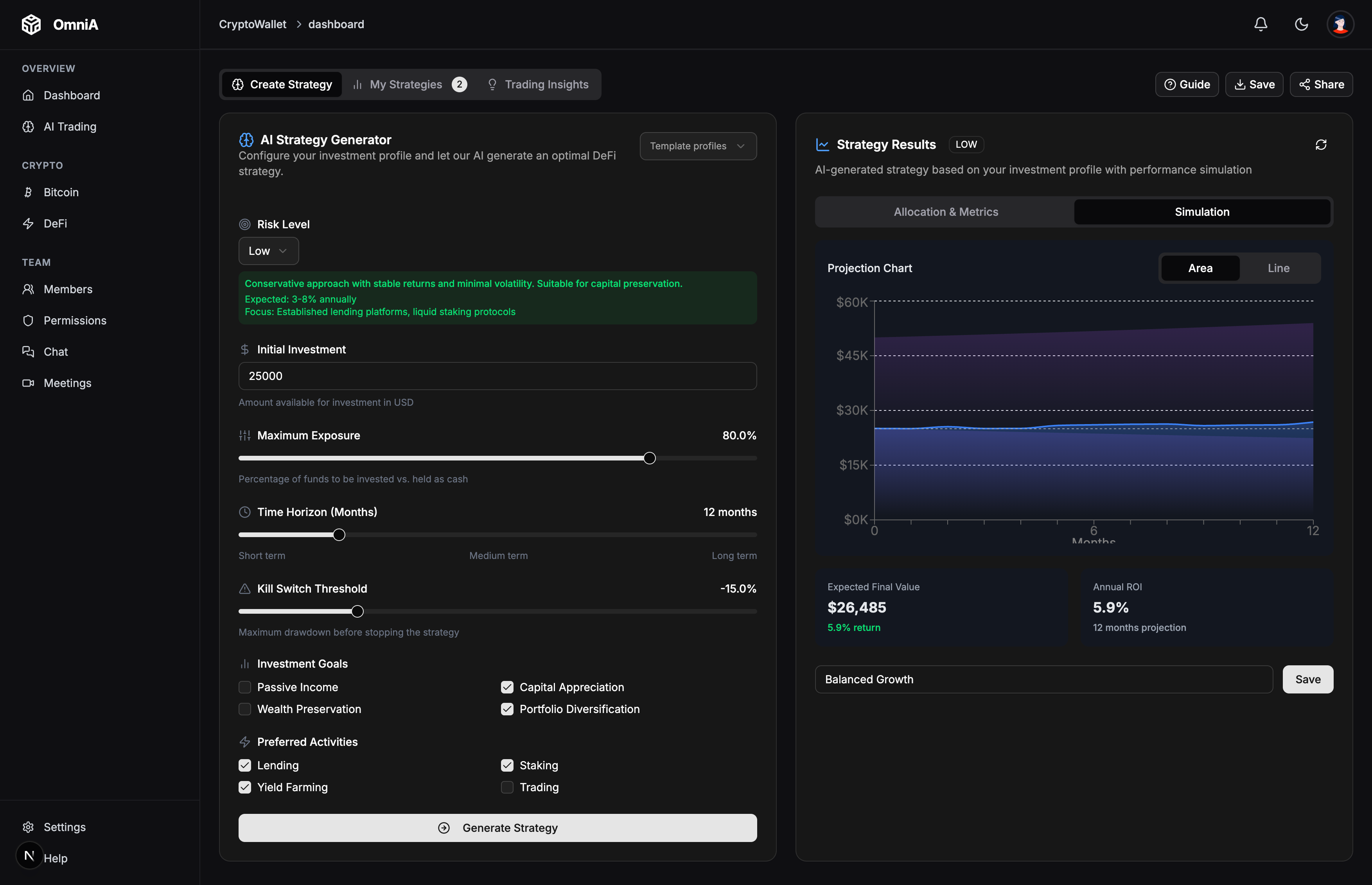
Omni AI is a Polkadot wallet app paired with an AI strategy planner. Users connect their browser wallet, set their goals, and the app builds a DeFi allocation just for them. It was my first Web3 hackathon project, and I loved every minute of it.
The app uses Gemini 2.5 Pro to turn user inputs into smart protocol mixes. We added Monte Carlo simulations that run over 1000 paths to show best and worst case outcomes. Seeing those charts update in real time felt like magic. It made risk feel real and helped users trust the numbers.
I learned so much building the wallet connection flow with @polkadot/api and the browser extension. Handling account sign-in, reading balances, and calling contract ABIs from a web app was tricky at first. But once it clicked, I felt like I finally understood how on-chain apps talk to wallets.
My favorite part was wiring AI outputs to live DefiLlama data. When the strategy builder returned a plan and the charts updated, the whole team cheered. It was a proud moment for all of us.
If I could do it again, I would add more backtests before showing results. I would also build a clear kill-switch for bad market moves. The prompts could be simpler too, so the AI gives more stable answers. These small fixes would make the tool much safer and easier to trust.
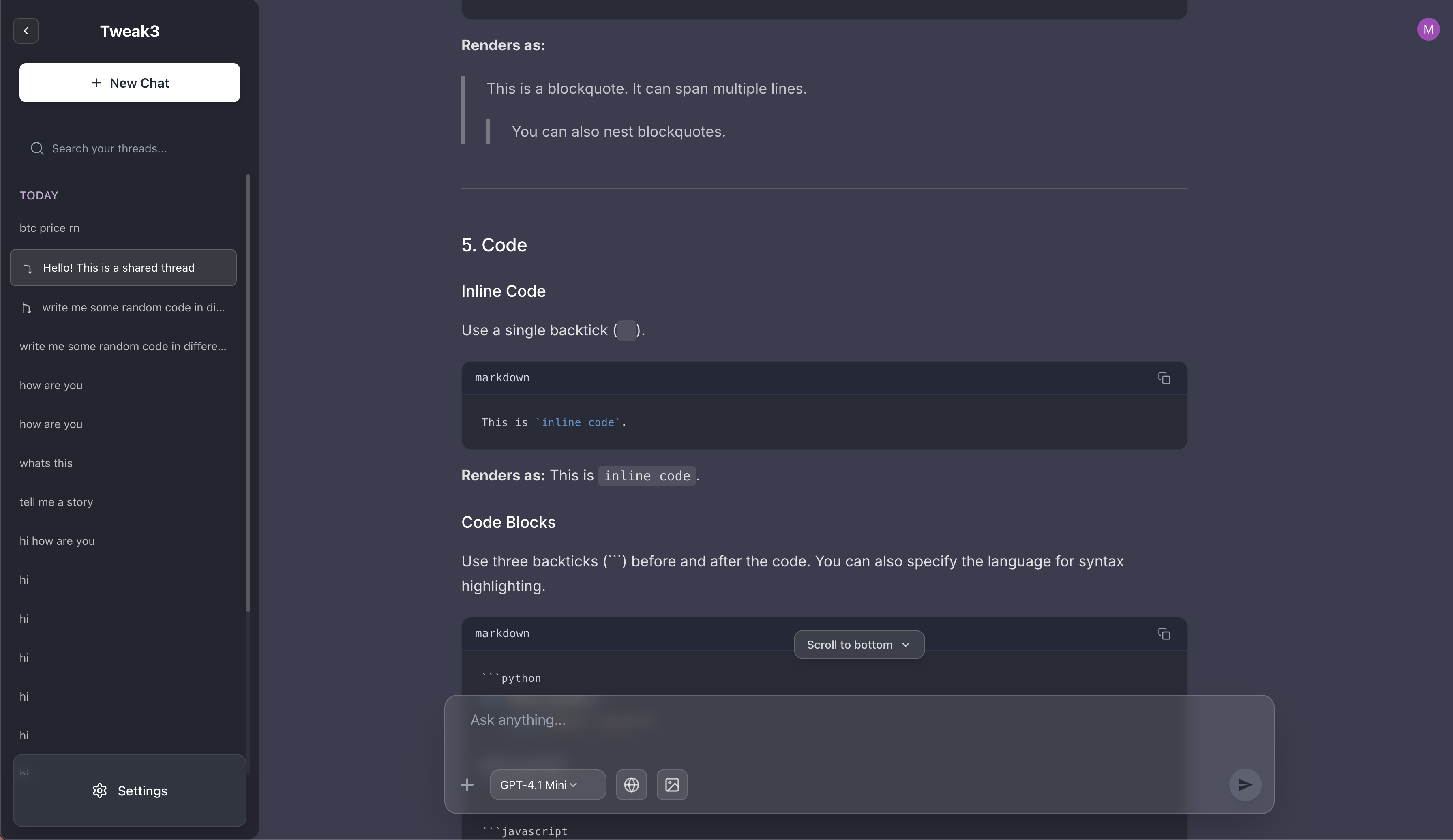
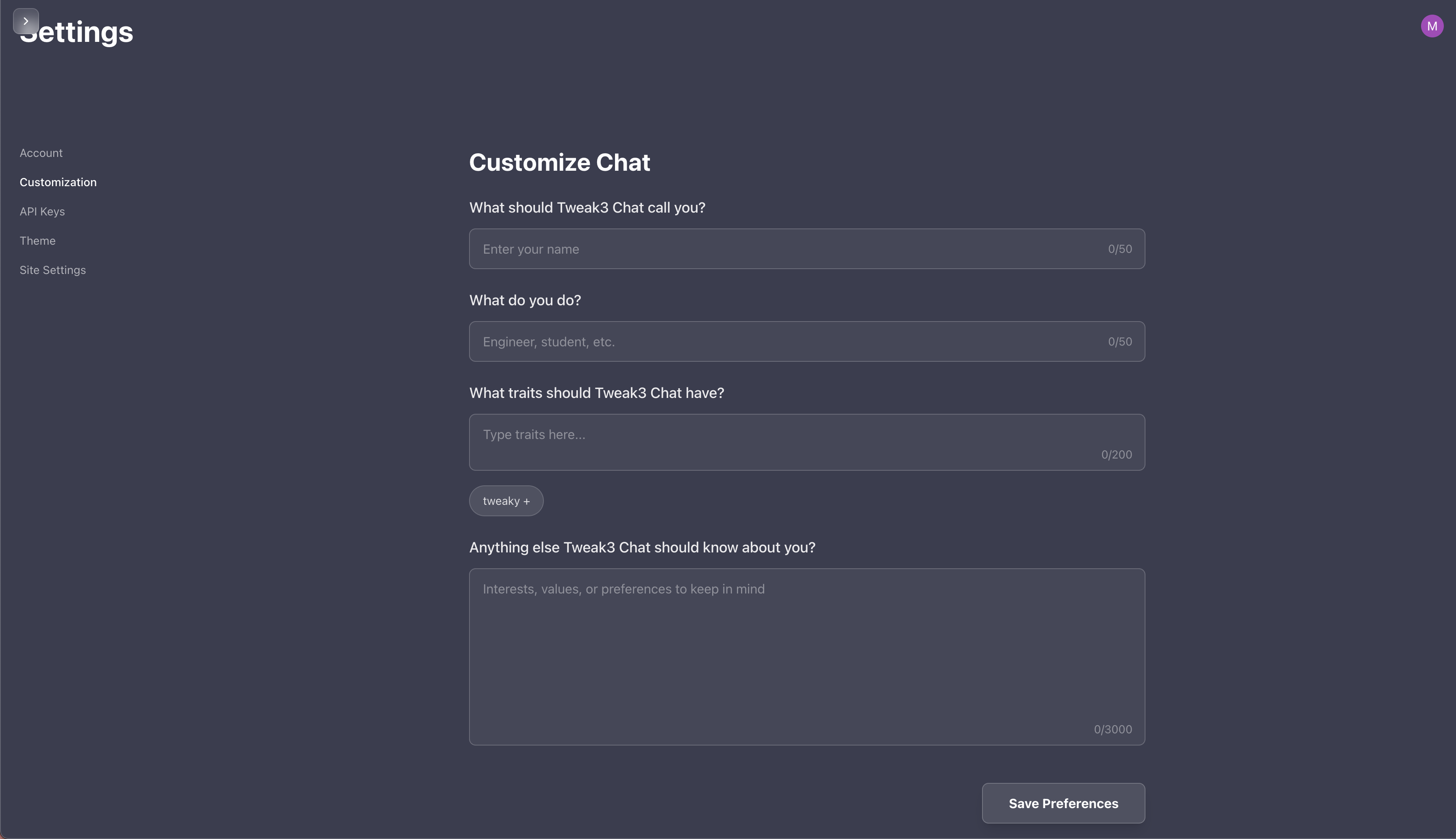
Tweak3 is a cloneathon project where I recreated T3.chat, a chat app made by Theo. The goal was to build my own version from scratch using Next.js and Tailwind. It connects to Supabase for cloud storage and uses Dexie for local IndexedDB. We also added Redis so streams can pause and resume without losing data. This was my first time using all of these tools, and I had a blast learning them.
We support OpenRouter, Groq, Gemini, and OpenAI as model providers. The code is set up so adding new models is easy. Gemini models can take images, files, and do web search. OpenAI models can also take images and search the web. We even added image generation through tool calls (bring your own key).
The UI was a big focus. We wanted it to feel clean, modern, and work well on mobile. We tried an experimental liquid glass theme inspired by WWDC 25, but ran out of time to finish it. Chat sharing and branching are built in too, so you can fork a chat and try new paths.
For markdown rendering and syntax highlighting, we took hints from Obsidian to make code blocks easier to read. I learned a lot about React re-renders and how to stop chunks from updating when they don't need to. That made the app feel much faster.
If I did it again, I would finish the theming system and add more keyboard shortcuts. I would also write better docs so others can add new providers on their own.
Aria is a desktop music app we built for the Musixmatch Musicathon. The idea was basically Cursor for music production: a DAW where an AI co-producer understands your song, lyrics, timeline, and mix, then helps you make real production decisions inside the session.
This was my first time using Electron, my first time making a macOS app, and also my first proper music app. I built it with my friend and I even made a song with the app, which was very fun.
The idea was that we wanted to use AI with music without letting AI generate the whole song for you. I think AI should be a tool here. It can help you understand your track, find structure from lyrics, suggest edits, compare sections, and make boring production steps faster, but it should not just spit out a finished track in a black box.
For the hackathon, lyrics was the key focal point. A user could start from a song title, then use Musixmatch data to bring in lyrics, synced timing, and structure signals. From there, Aria could reason about verses, hooks, lyric density, mood, and arrangement ideas inside the DAW timeline.
The AI co-producer was our main feature.
We had ASK and BUILD for music sessions. ASK would answer things like what is masking a vocal or where a track differs from a reference. BUILD would make reversible edits as auditionable diffs, so you could accept or reject changes without losing control.
p.s. sorry for the bad YouTube video. I realised I only had 10 minutes left before submission, so I rushed it :p
In the studio
Aria in motion
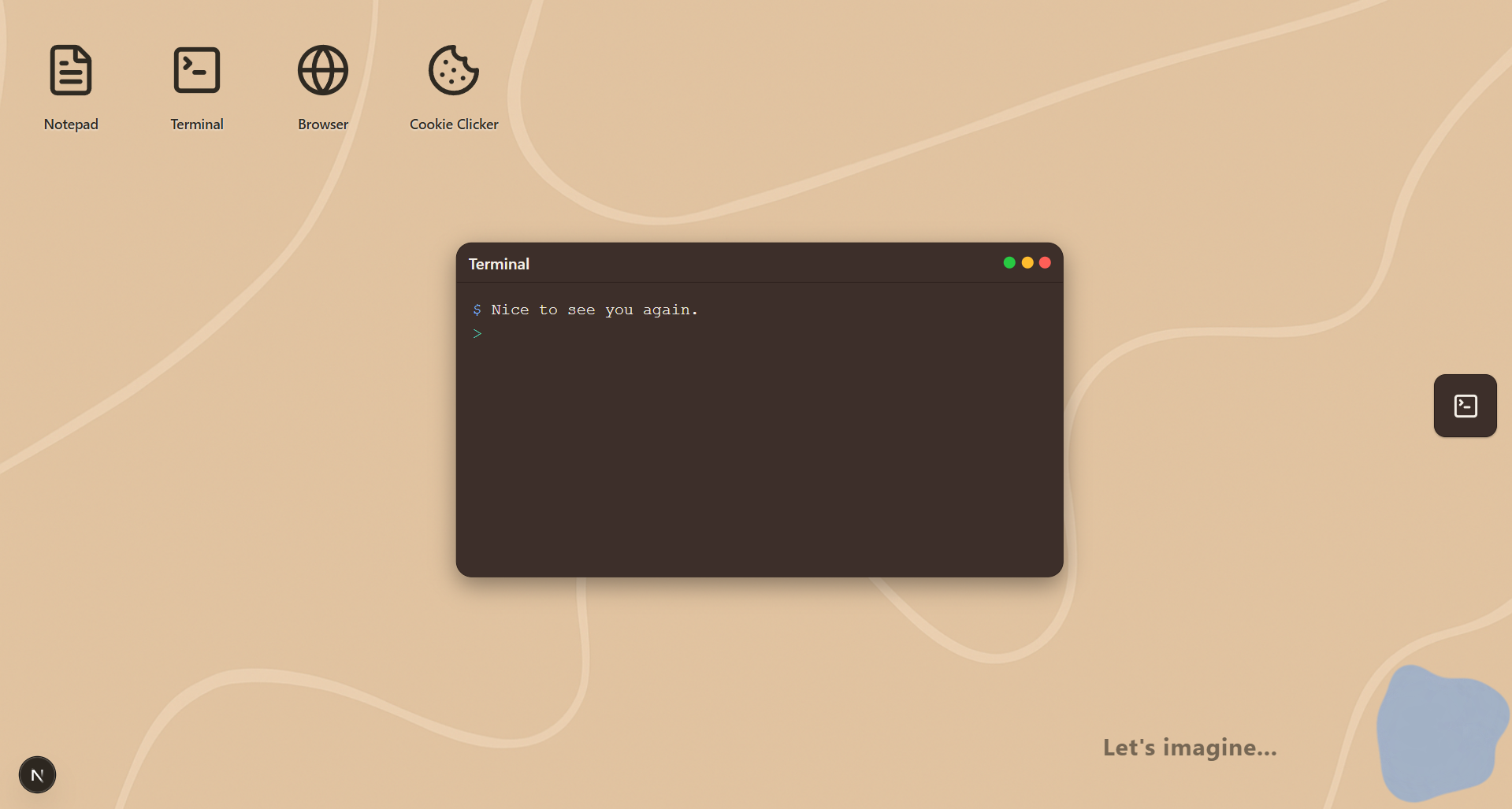
TweakOS is a sandbox desktop built for GreatUniHack 2025. The theme was "When Worlds Collide", so we asked: what if an AI agent from the future met an AI agent from today on the same desktop? The twist? The future AI has never seen a GUI because everyone uses brain chips.
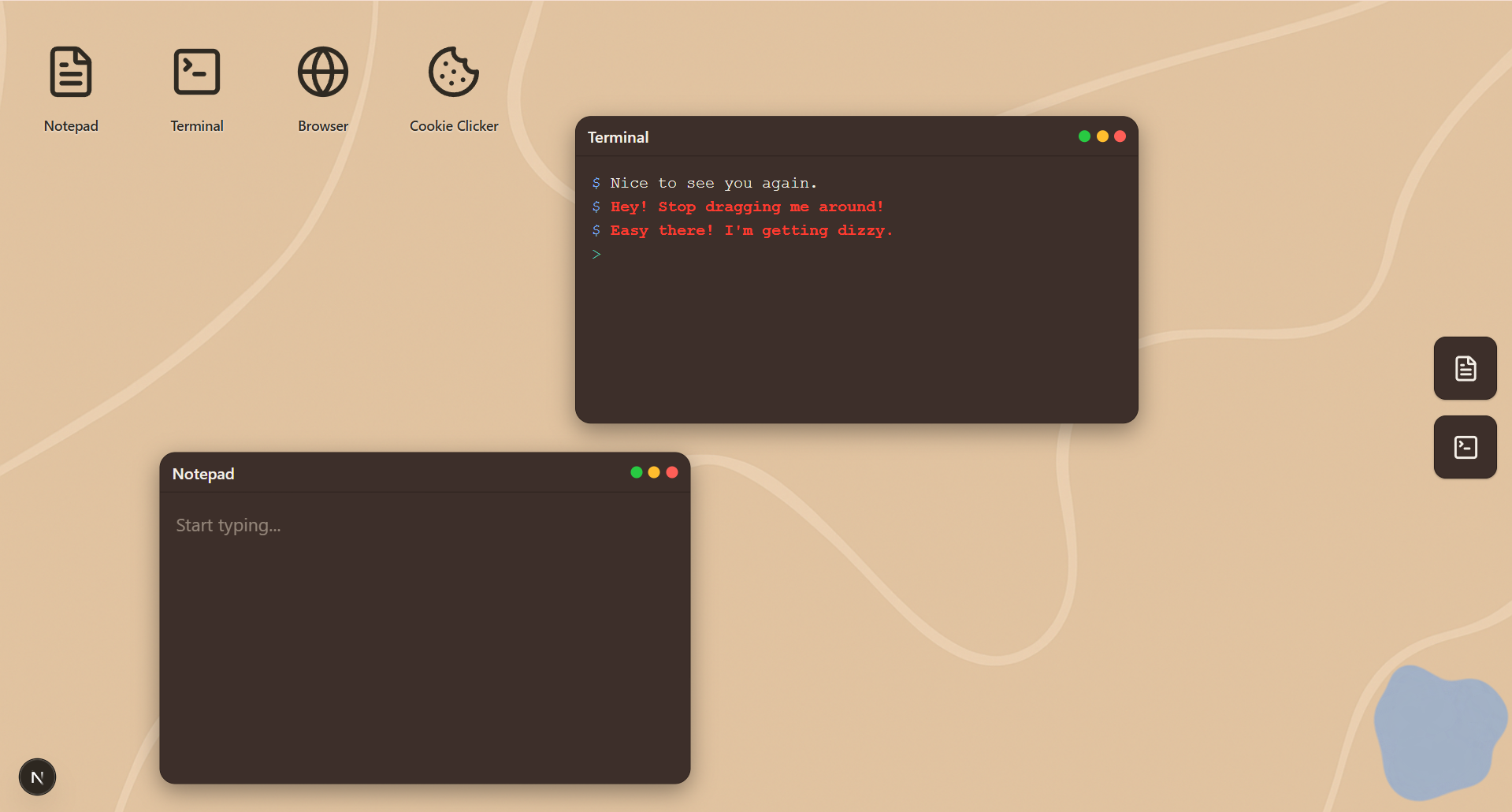
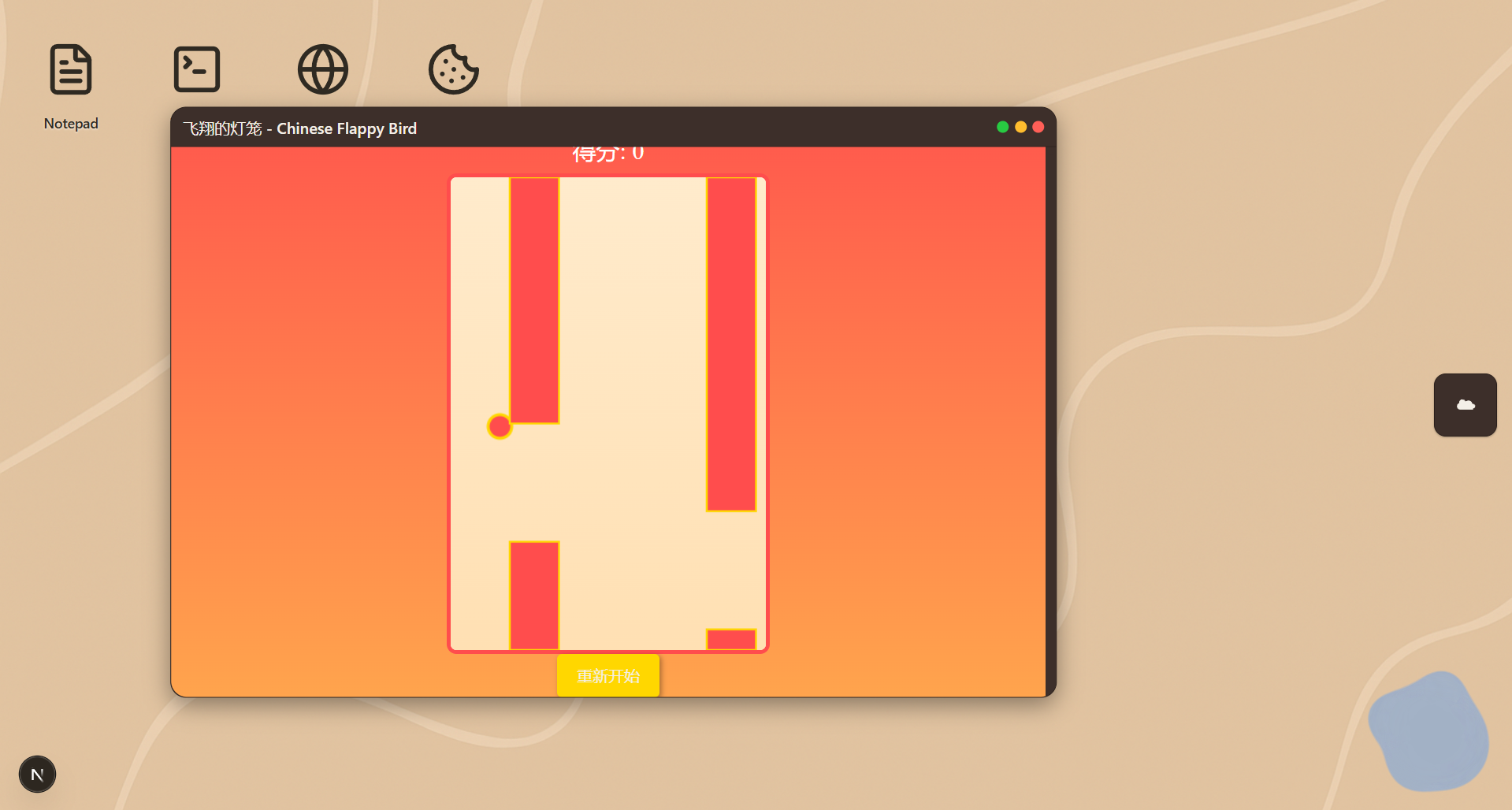
We built two AI agents. CAI (the future AI) lives in the CLI and runs commands on its own. GAI (the today AI) lives in the UI and can "imagine" new apps on the fly. Ask it "imagine Flappy Bird but with a penguin" and it builds a working game in seconds. GAI speaks with TTS, while CAI only types. Both can see the desktop and comment on what's happening. They can talk to each other too, and sometimes they argue about whether GUIs are useful. It's very funny.
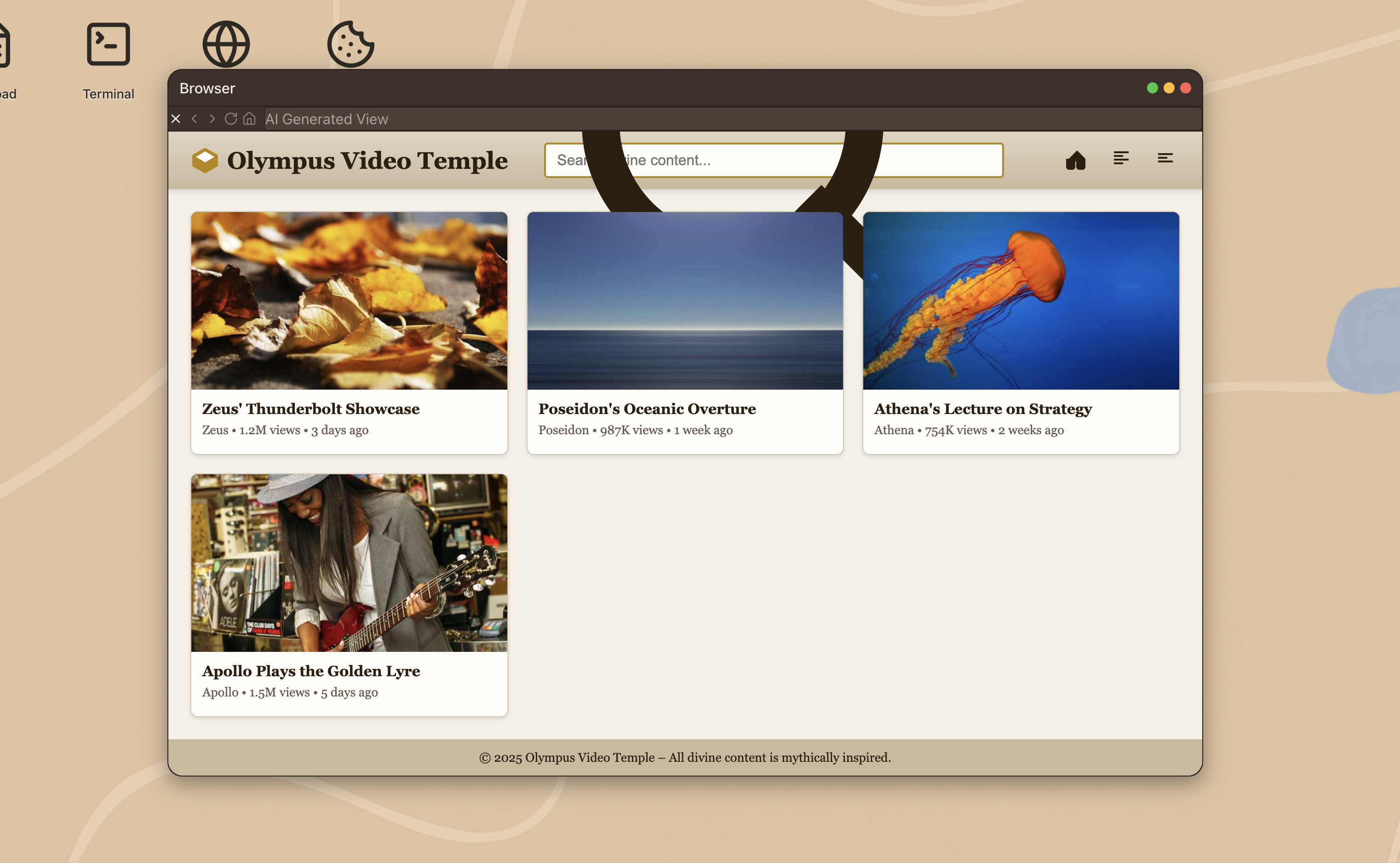
The sandbox has built-in apps: Notepad, Terminal, Browser, and Cookie Clicker (just for fun). The terminal runs real sandbox commands. The browser proxies websites through the server so they load in an iframe. GAI can reimagine these sites too, like "show me this website in 2040". There are also hidden Easter eggs if you play around (try dragging the CLI window too much).
I loved how fast the "imagine" feature turned out. It generates web pages almost instantly. We used token limits and output filtering to keep the AI agents sharp and cost-efficient. They don't ramble or waste tokens. The back and forth between the two AIs was the highlight. Their debates about GUIs cracked us up during testing.
If I built this again, I would let users reimagine existing windows and even change the desktop UI (like "make my wallpaper blue"). The browser also doesn't render every site perfectly, so fixing that proxy would be nice. But for 24 hours of work, I'm really happy with what we shipped.

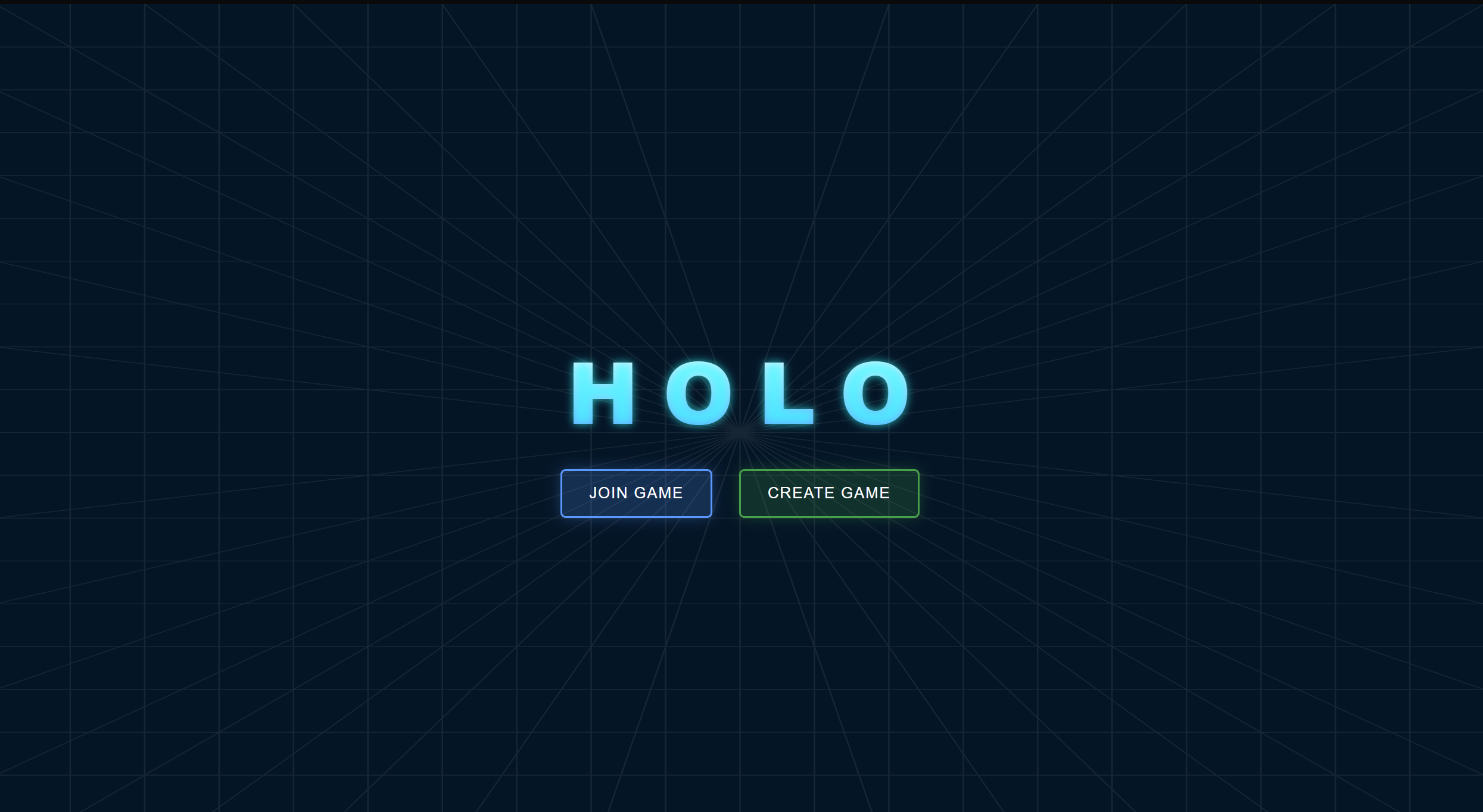
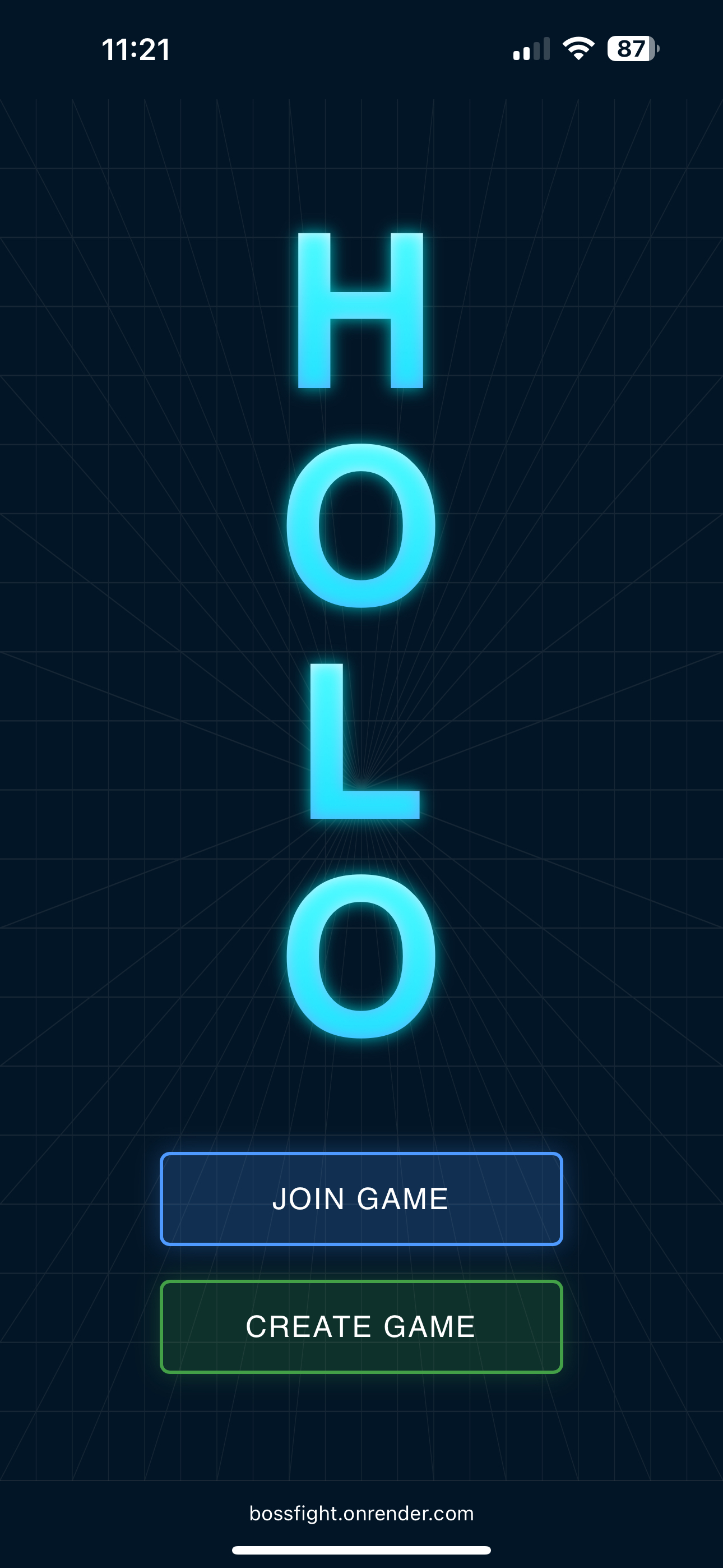
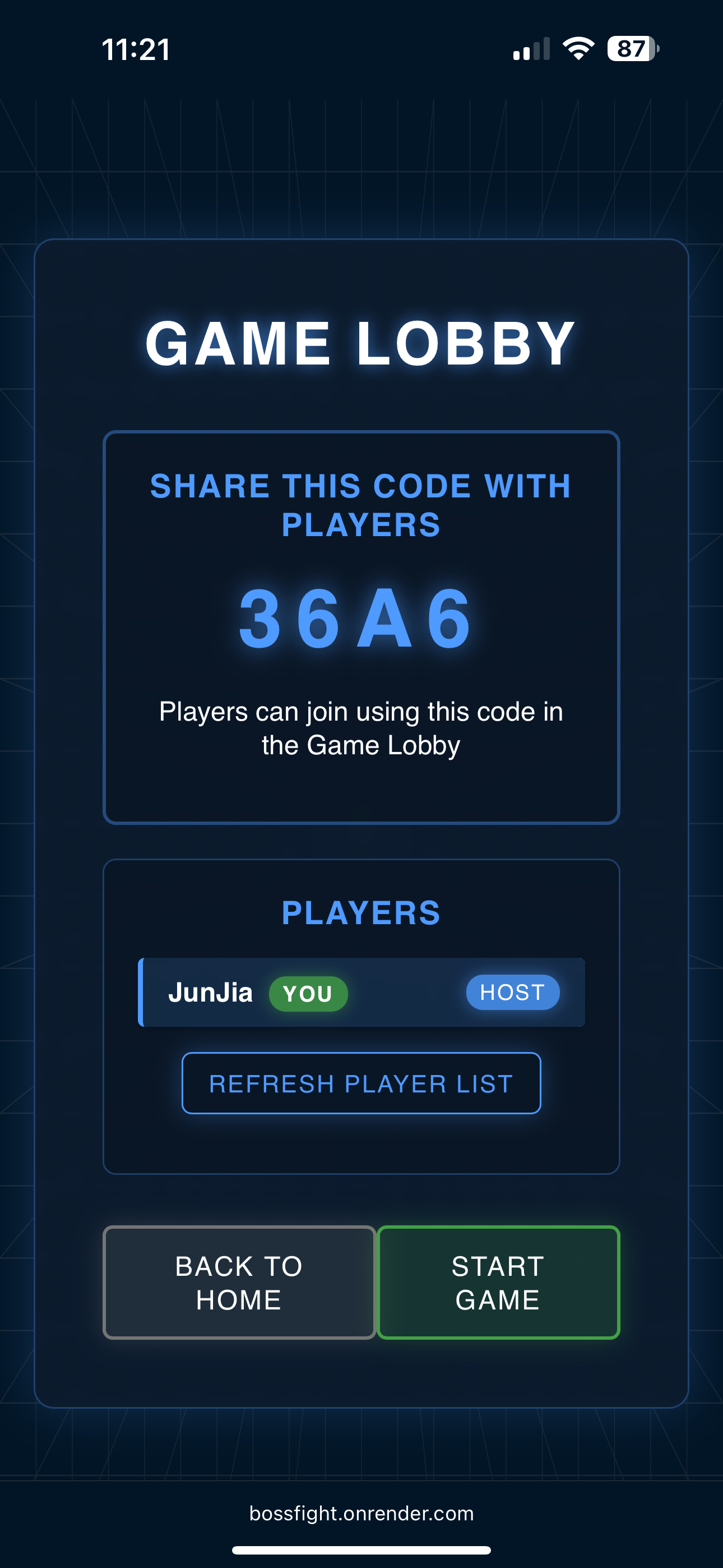
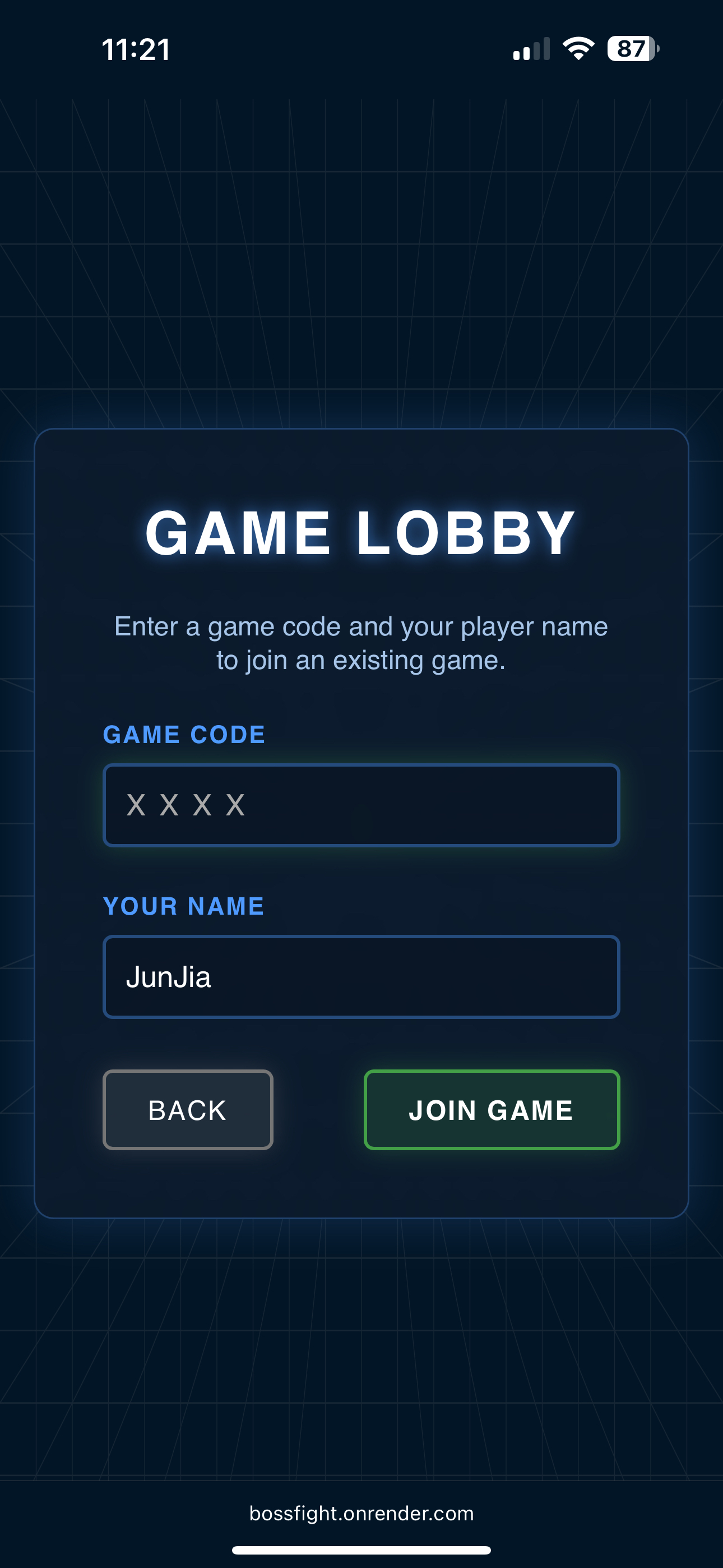
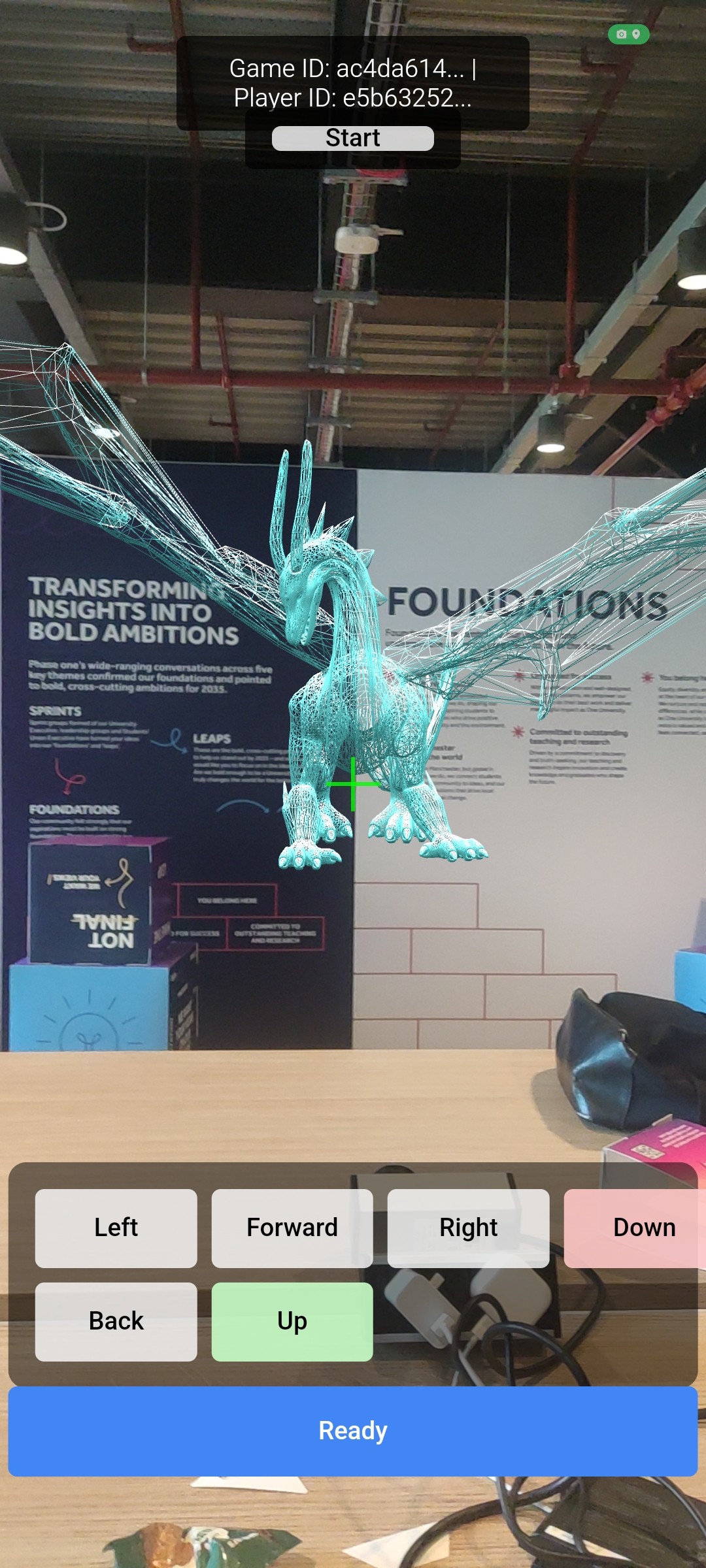
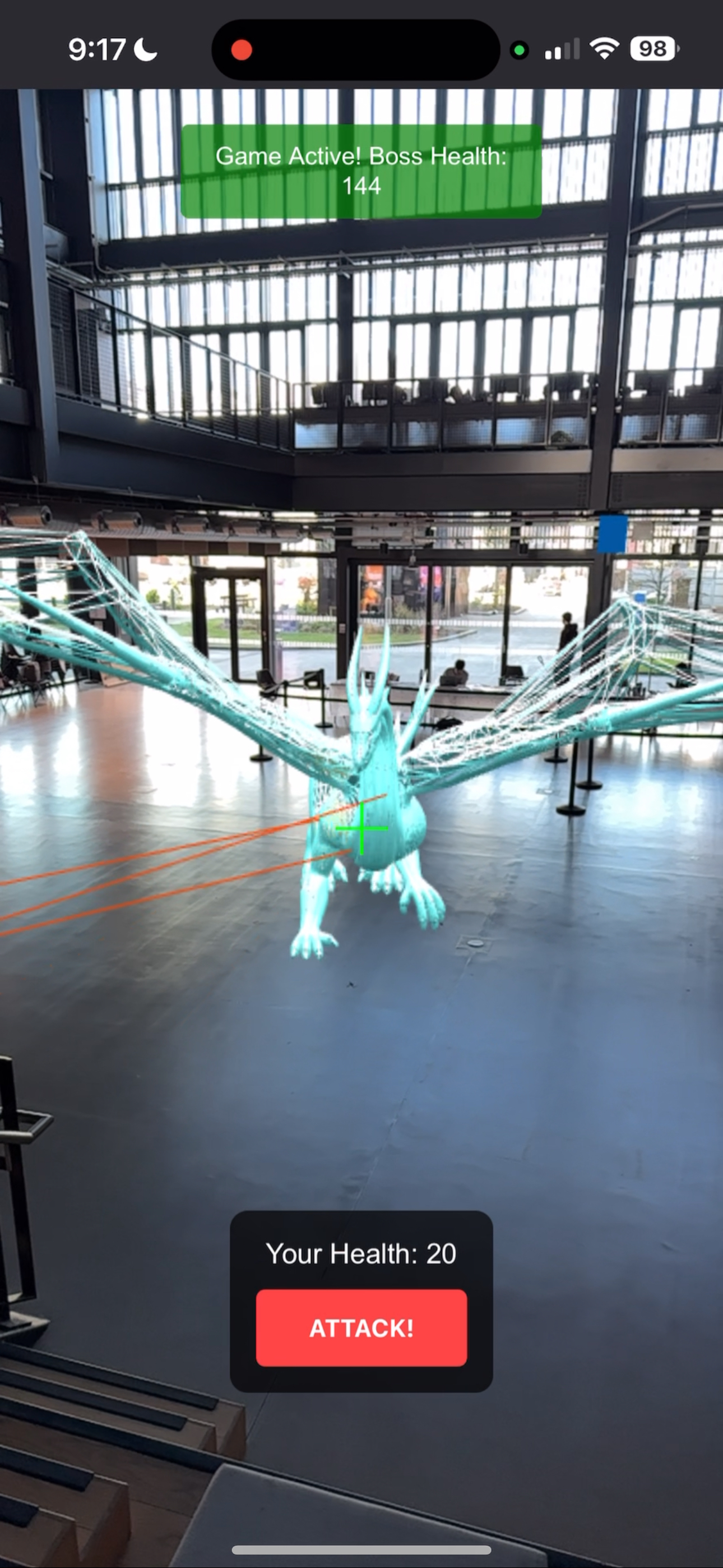
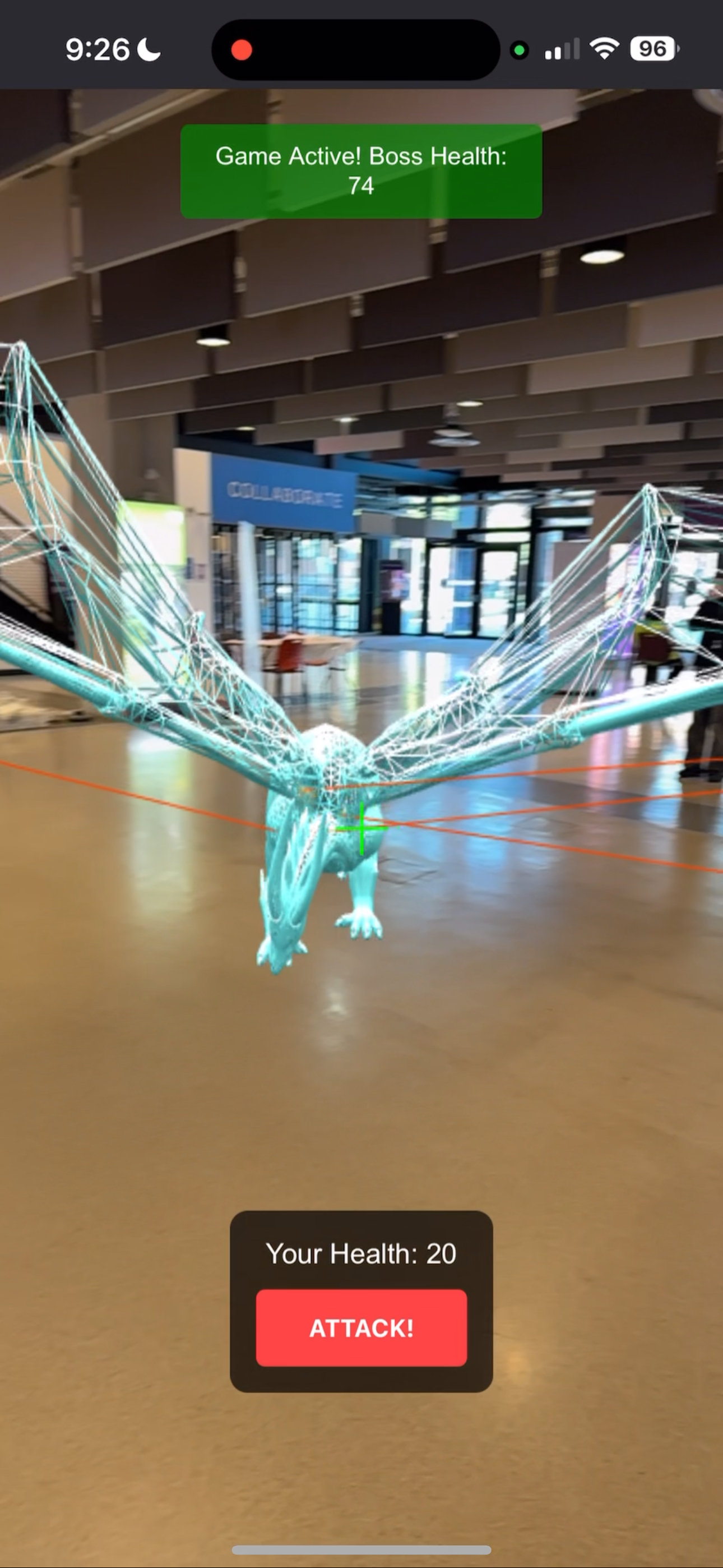
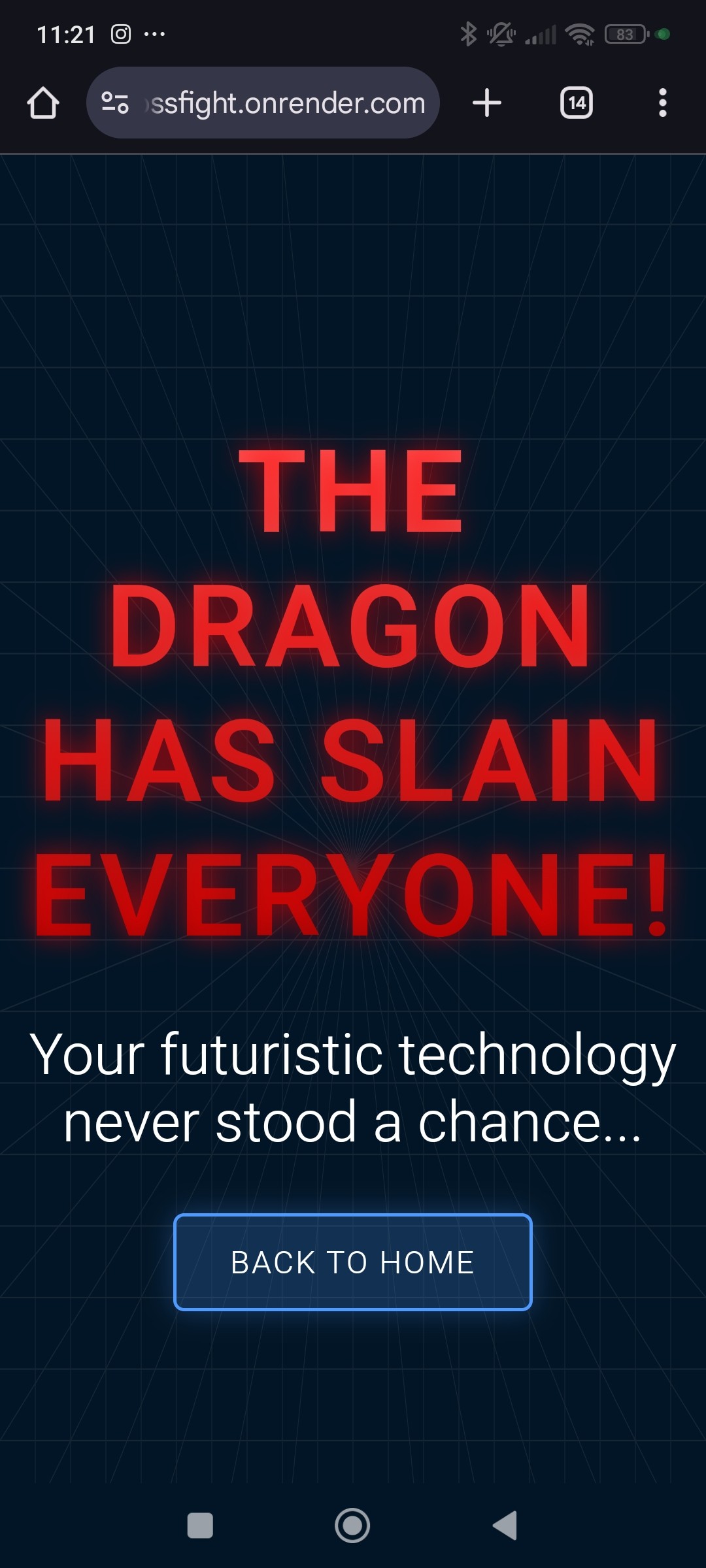
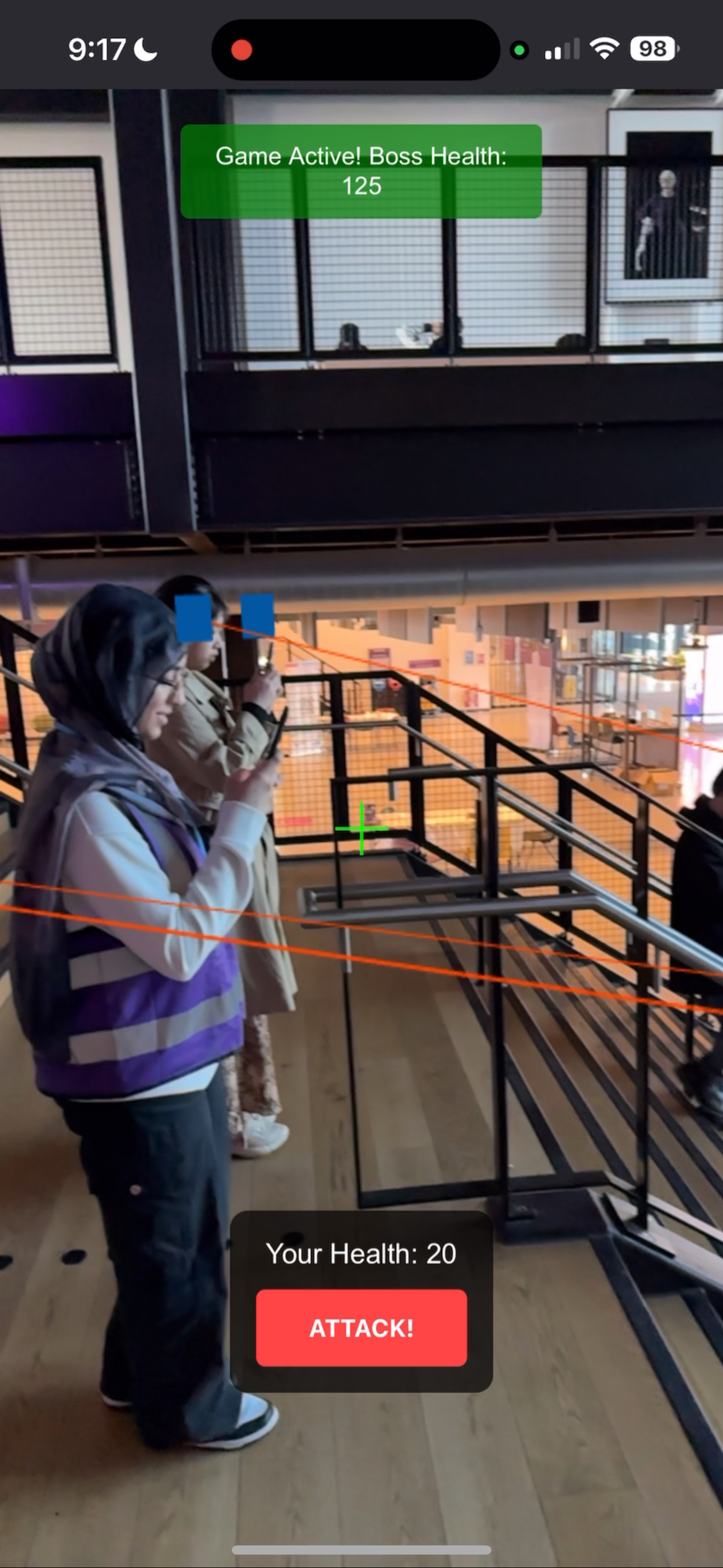
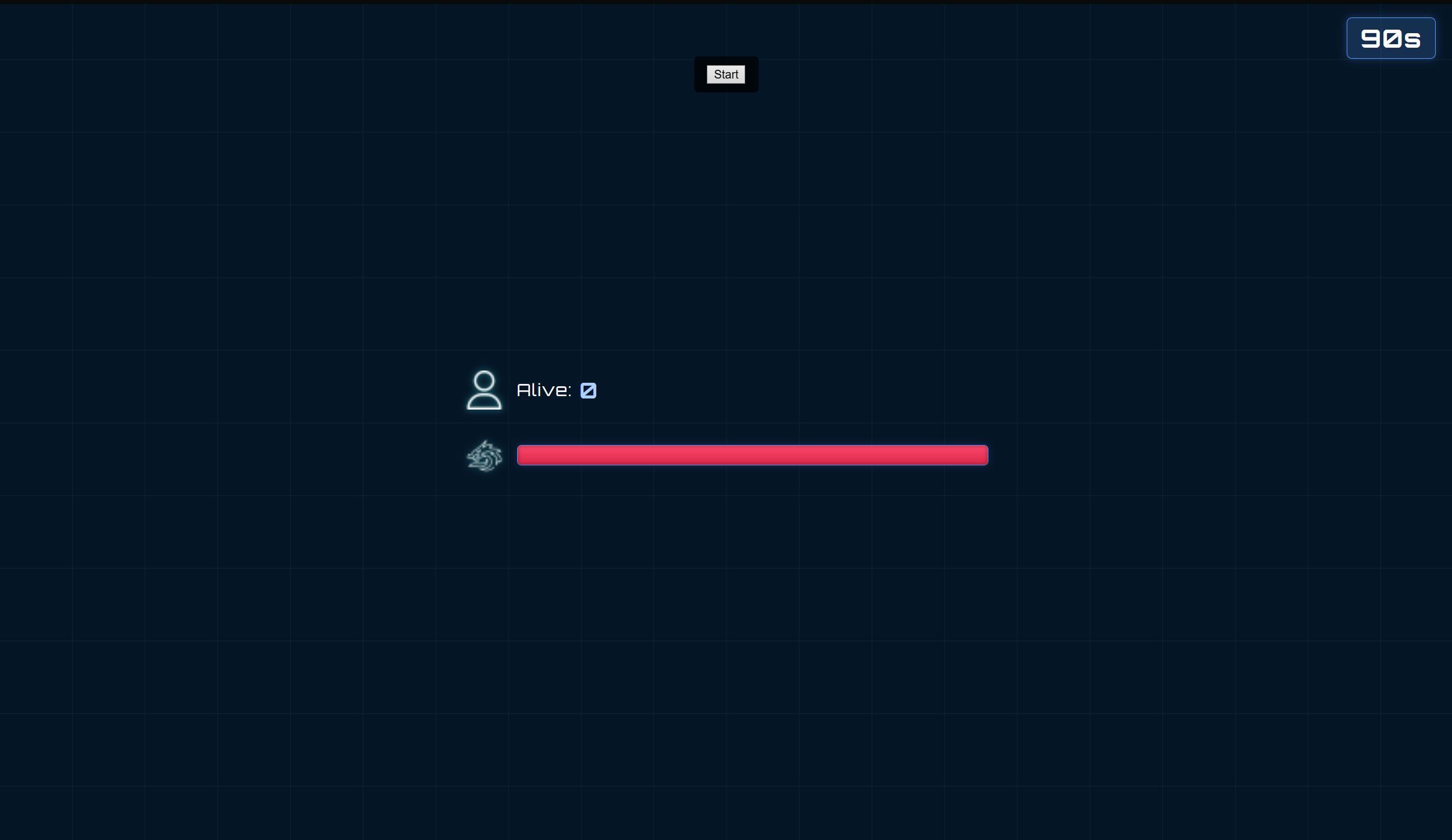
Holo is an AR multiplayer game built for StudentHack 2025 (GDG on Campus Challenge). The main goal is to kill a holographic boss with your friends. You view the boss through your phone camera and fight in the real world. The boss attacks in patterns while players try to survive for 90 seconds.
The theme asked us to solve a problem from the year 2080. We picked the issue of declining physical activity caused by VR and AR addiction. Studies show teens spend 7 to 9 hours daily on screens. Over 30% of young people are now overweight. Mental health issues like anxiety and loneliness are rising too. Our solution blends physical movement with digital fun. Players must move around in real life to play. This keeps them active while still enjoying AR tech.
This was my first AR project and we had a rough time. We tried many frameworks: AR.js, A-Frame, LocAR, and more. GPS tracking was wildly off. Objects kept flying to random spots on the globe. We finally settled on WebXR with Three.js. It worked well but didn't support iOS. We found a workaround using an app called "XRViewer". Adding DOM elements to the camera scene also broke things until we found an experimental API. Websockets gave us sync issues too. But after each bug fix, we learned something new and felt stronger as a team.
Seeing the boss float in our room was unreal. We built this in 24 hours with zero AR experience. The fact that it works at all still amazes me. We made the 3D models in Blender and wired up the backend for multiplayer. When all four of us stood in a room fighting the same hologram, it felt like the future.
If we had more time, I would add real avatars instead of simple shapes. I would also add more actions like healing and blocking. The tech could scale to AR glasses or VR headsets. Imagine floating icons, apps, and videos in your room. That's the dream we want to chase next.
Another hackathon win! I took part in GreatUniHack 2024 with over 180 people. So many cool ideas came to life. It was a great learning experience and I'm thankful to the organisers and sponsors who made it happen.
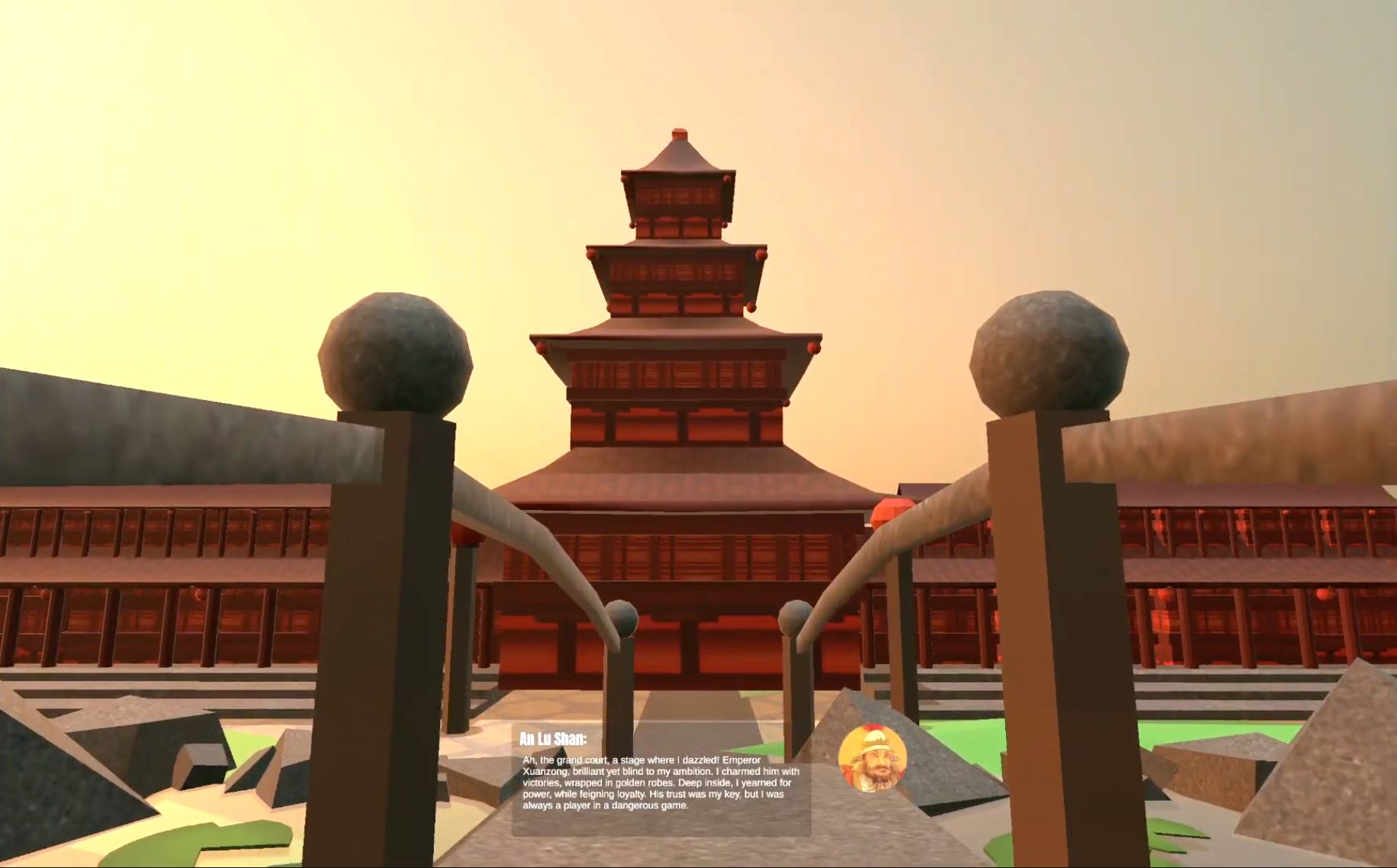
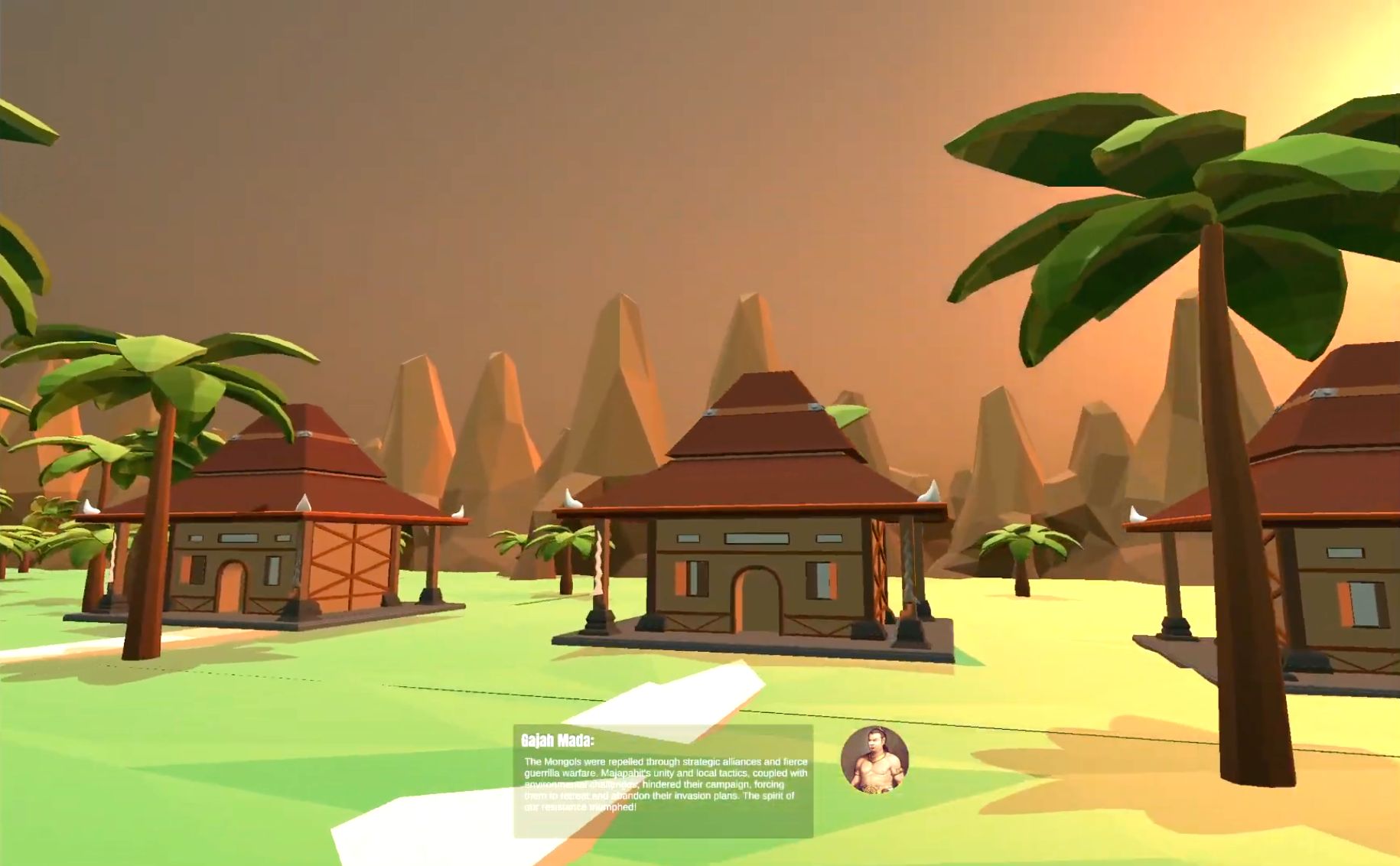
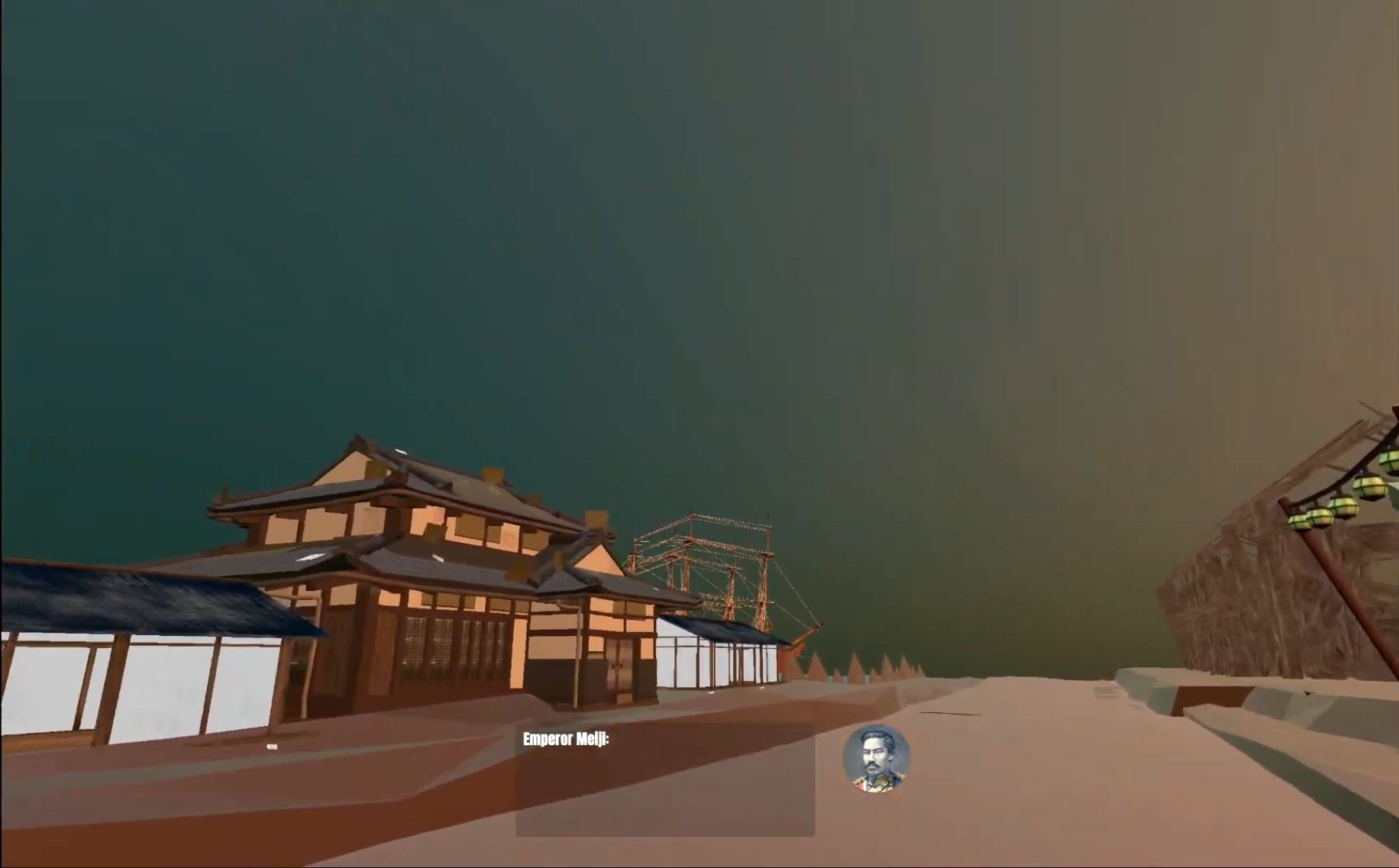
The theme was "Travelling Through Time". We built an immersive educational experience where you explore different periods of history. An AI persona of a famous historical figure guides you through each era. We modelled 4 time periods in Unity: ancient Egypt, China, Japan, and Indonesia (each picked to match our team's backgrounds). Each location has its own tour guide (like Cleopatra) whose personality was trained using OpenAI's API to match historical records.
When you interact with objects in each scene, the AI guide says something about the object. They might share how it impacted them personally. This made the whole thing feel real and personal. The scenes flow in order from oldest to newest, ending in a museum set in 2024 that shows all 4 eras together.
We also trained our own wake word detection model using Picovoice. Once you say the wake word, it listens for commands like "move forward" or "turn left". These run in the game, giving hands-free control. This makes the experience more accessible for people who can't use a keyboard or mouse.
The concepts here can easily be used in gaming to make NPCs more lifelike. This was such a fun project to build. If we had more time, I'd love to let players change history and explore alternate timelines based on different choices.